
GICT knowledge base
WordPress Knowledge Base Plugins: Options and Selection Checklist
Published
A WordPress knowledge base should help readers find a correct answer and help editors maintain it. Search, navigation, permissions, export options, and compatibility matter more than the length of a feature list.
This is a documentation-based selection guide, not a hands-on performance ranking. Vendor and WordPress.org listings were checked on October 14, 2026. Prices and plan boundaries change, so follow the official links before buying. The existing illustrations below show earlier product interfaces, not a compatibility test of the current release.
Decide what you need first
- Public help center or private wiki: verify access control on the actual article URLs, search results, feeds, and attachments.
- One product or several: decide whether separate knowledge bases and URL structures are necessary.
- Editorial workflow: check drafts, revisions, roles, and approval requirements.
- Portability: confirm how to export articles and preserve URLs when switching plugins.
- Hosting fit: test your PHP version, theme, cache, search behavior, and mobile layout on staging.
weDocs
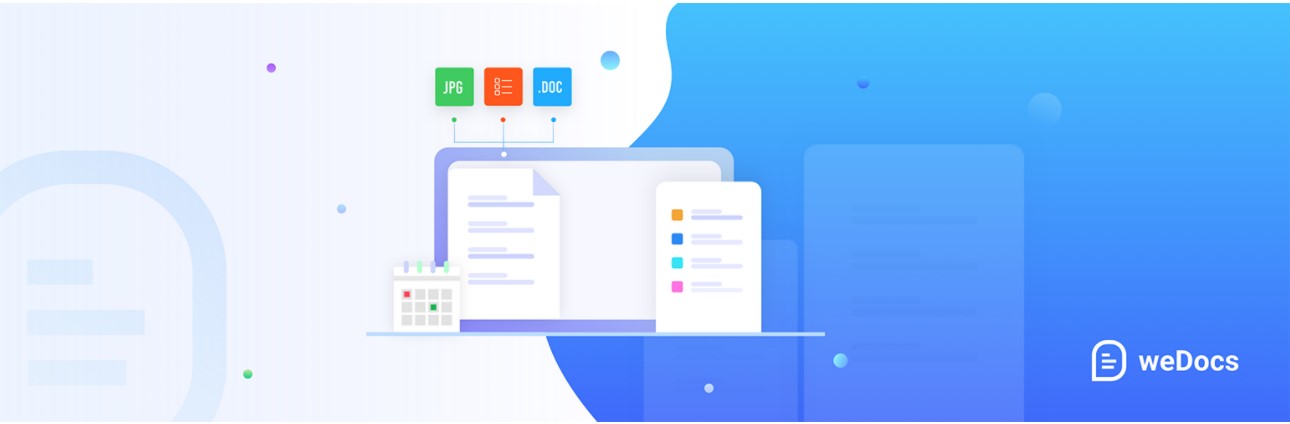
weDocs organizes documentation into a hierarchy and provides documentation navigation and search. Its current listing distinguishes free functionality from paid features such as advanced privacy and permissions. Evaluate it when document organization is the main requirement; verify the edition before assuming a private wiki is included.
BetterDocs
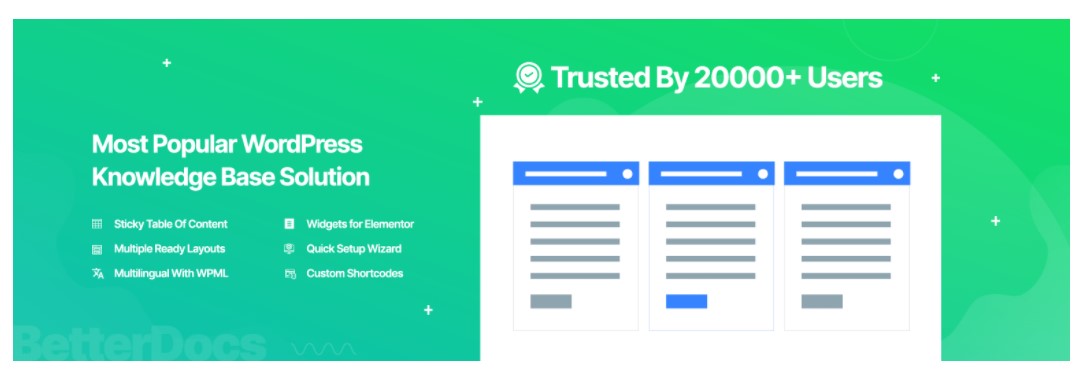
BetterDocs offers documentation layouts, live search, a table of contents, and editor integrations. Some capabilities, including multiple knowledge bases and advanced search features, depend on the edition. Test its templates against your existing theme rather than relying on a blanket compatibility claim.
Heroic Knowledge Base
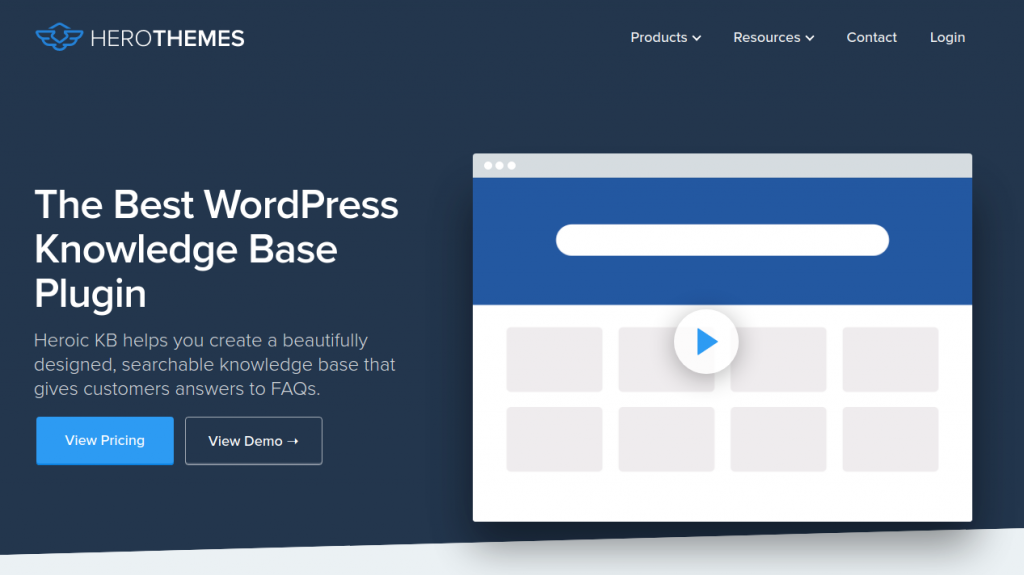
Heroic KB is a commercial product with search, article organization, and plan-dependent analytics and access controls. The former version of this article described a free edition without adequate support for that claim. Check the current license, renewal terms, and features for the plan you are considering.
VS Knowledge Base

VS Knowledge Base, formerly Very Simple Knowledge Base, displays categories and posts through a block, shortcode, or widget. It is an option for organizing existing WordPress content without assuming you need a separate ticket system. Check category selection and ordering with your real article collection.
Helpie KB
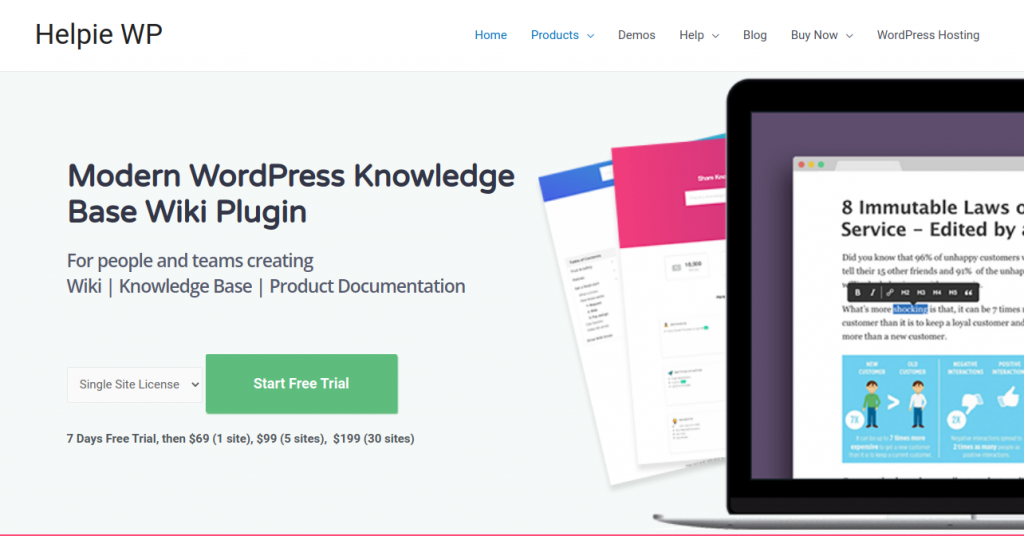
Helpie KB emphasizes wiki-style collaboration, frontend editing, revisions, and publishing capabilities. It is distinct from the vendor’s FAQ product. For a team wiki, test who can read, edit, and approve an article using separate user accounts before publishing confidential material.
Echo Knowledge Base
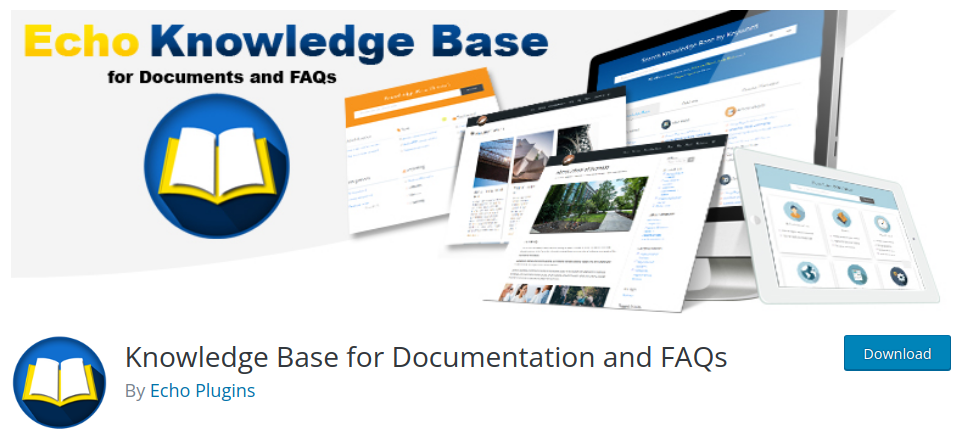
Echo Knowledge Base provides a documentation system with layouts and optional add-ons. Compare the base plugin with the exact extensions needed for your access, search, and analytics requirements. If enabling AI features, review the external services and data they use rather than assuming WordPress hosting keeps every request local.
MinervaKB: check maintenance before choosing it
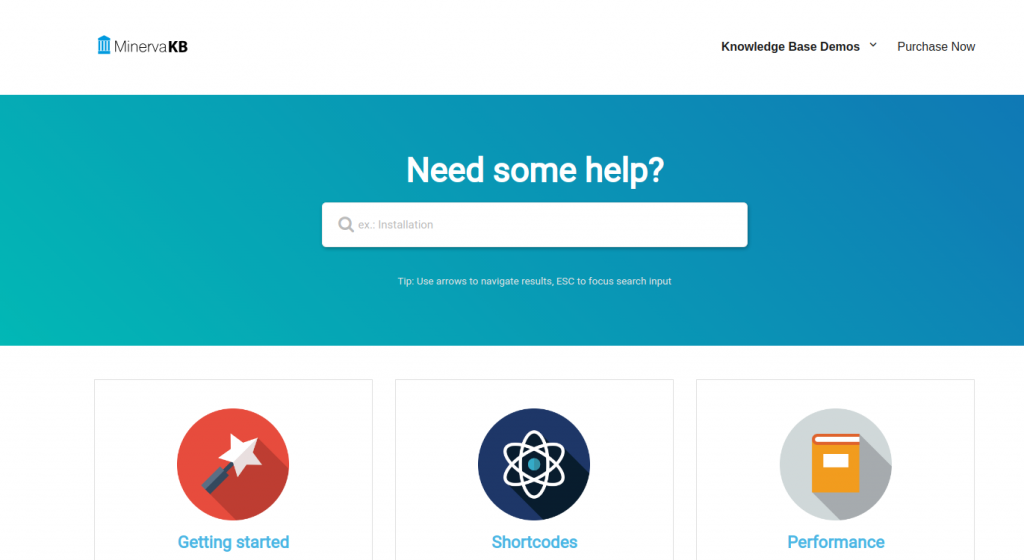
The MinervaKB marketplace listing describes a knowledge base with search and analytics, but showed a last-update date of February 6, 2023 when checked. That date alone does not prove a vulnerability, but this guide does not recommend treating it as a verified current choice. Obtain current compatibility and maintenance information from the developer before considering a production installation.
AssistCamp
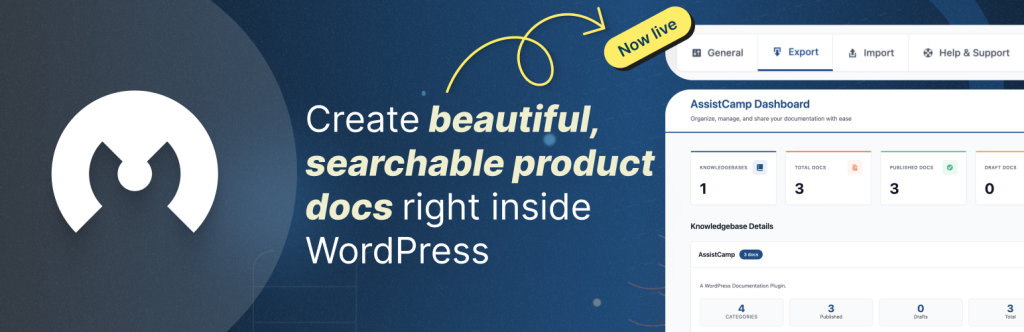
AssistCamp provides documentation blocks, support for block and classic themes, and configurable knowledge-base URLs. Pay particular attention to permalink behavior when moving from one knowledge base to several; changing article paths may require redirects for existing links.
Editorial note: AssistCamp was suggested for this list by an GICTServer affiliate. The description here is based on its public plugin listing, not a claim of independent performance testing or guaranteed compatibility.
BasePress
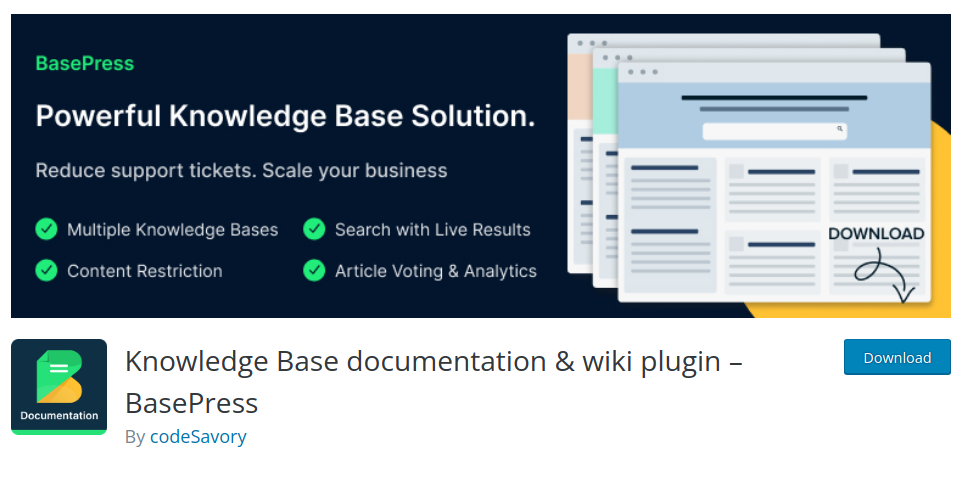
BasePress organizes articles into knowledge bases and sections. Compare its free and premium features against the navigation and maintenance needs of your documentation. Before migration, test importing a small representative set and confirm that article links and media remain usable.
KB Support: no longer a recommendation
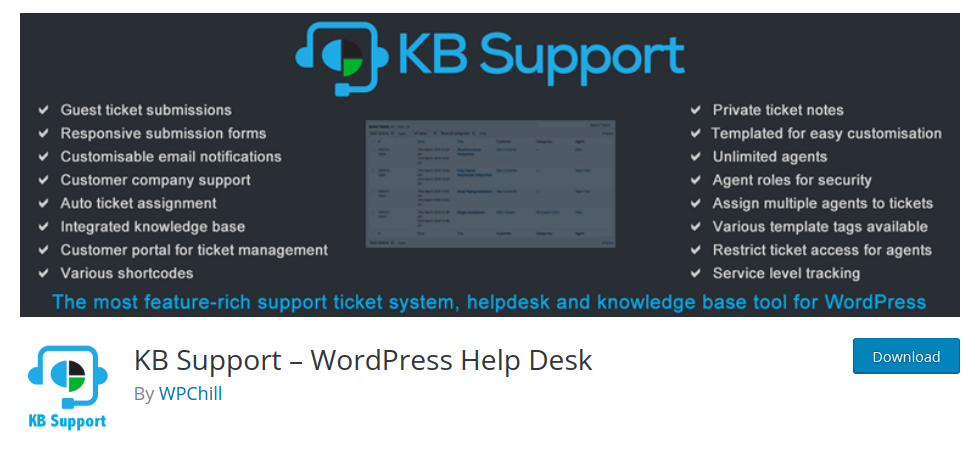
WordPress.org lists KB Support as closed since April 3, 2025 for a security issue, with downloads unavailable. It should not remain on a current installation shortlist. If you already use it, inventory its articles and tickets, preserve a backup, and assess a supported migration path. Do not download an old copy from an unofficial mirror to bypass the closure.
Run a practical acceptance test
On staging, create a short FAQ, a long illustrated article, and an article with a code block. Check search results, category navigation, mobile readability, keyboard access, and the editing workflow. Test private content while signed out and as an ordinary user. Finally, export the sample content and verify that you can recover it.
Choose the smallest solution that passes your requirements. Maintain the articles themselves: a polished search box cannot compensate for obsolete commands, unsupported claims, or missing answers.
Related guides
7 Common Hosting Mistakes Beginners Make (And How to Avoid Them)
7 common hosting mistakes beginners make in 2026: no backups, ignored updates, bad host choice, weak passwords, single point of failure, no staging. With fixes for each.
WordPressWebsite Migration Backup Checklist: What to Save and How to Test
Prepare a website migration backup: inventory files, databases, email and DNS, check archive integrity, test recovery and plan a safe final synchronization.
WordPressCore Web Vitals in 2026: A Practical Fix Guide for Site Owners
Core Web Vitals 2026: practical fixes for LCP, INP, and CLS. Real root causes, what to measure, common misconceptions, and a priority order of fixes for site owners.
WordPressFixing the WordPress “Death Loop”: When Missing Files slow down your site
You’ve just launched your new WordPress site or pushed a big update. In your staging environment, everything ran perfectly.