
GICT knowledge base
NexusCore and SQL Server 2017 Installation in WHM
Published
WHM servers are not supported .NET platform by default. However, this can be enabled using a third party plugin called NexusCore. The respected plugin is compatible with Apache as well as Litespeed. Here, we can discuss about the installation and configuration tips regarding the plugin on WHM servers.
Installation
1) ssh to your server as the root user using the following command:
$ ssh root@ipaddress
Please change the ipaddress with your server ip address.
2) Change the current working directory to /home
$ cd /home
3) Run the below commands and here we are downloading the installation files and execute the installer script.
$ wget https://securedownloads.nexuscore.io/latest
$ chmod 755 latest
$ sh latest
4) This installing package contains DBMS software SQL Server for Linux 2017 Express free edition and you can accept or ignore the software while the installation procedure is running. However, it is recommended with .NET platform.
cPanel settings
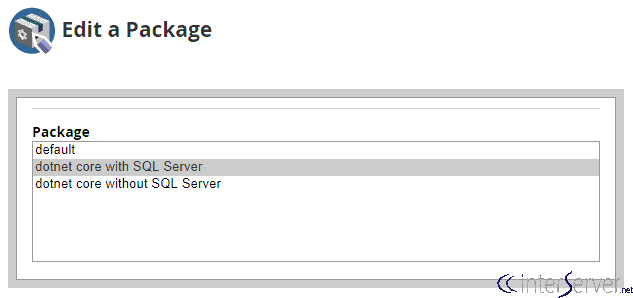
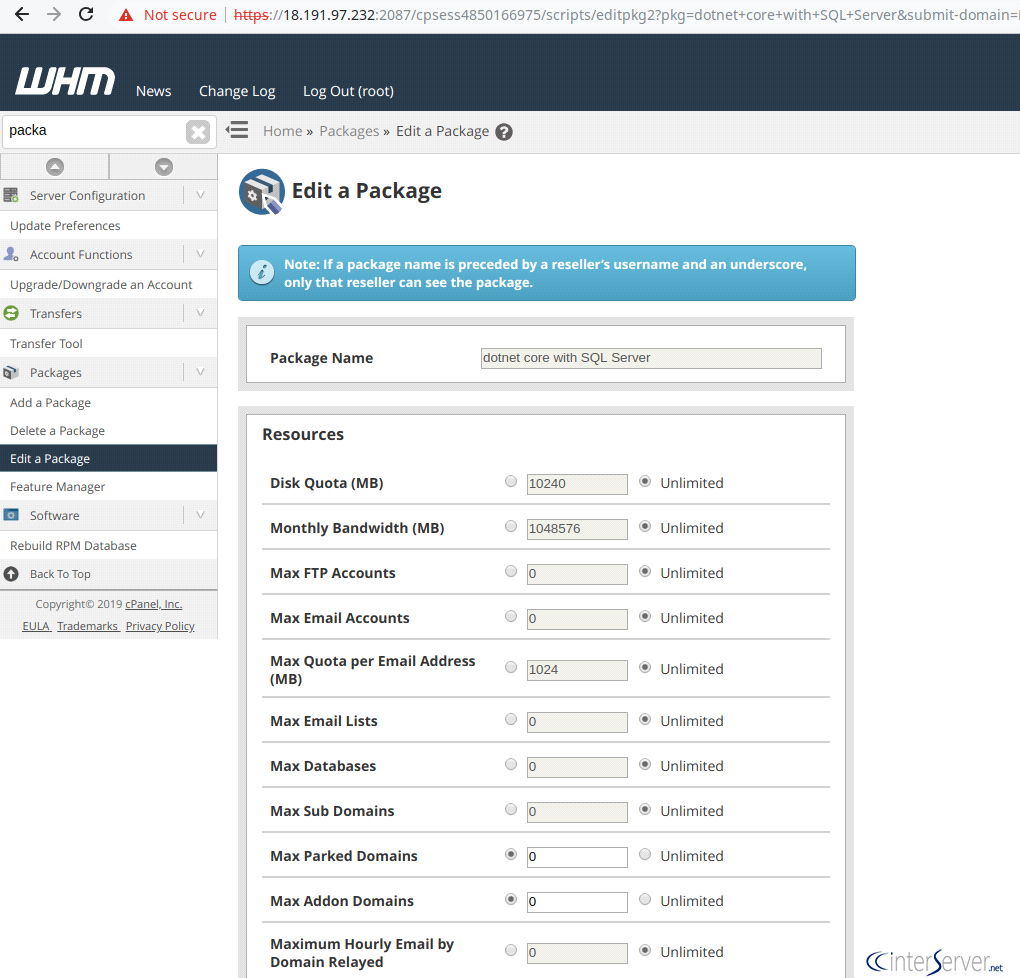
This installation would create two hosting package accounts and we are able to see the same on WHM >> Edit a Package>> Package. Here you able to select any number of SQL servers for the customized hosting packages. Additionally, here it is possible to create customized hosting packages and that allow users to manage .NET and Microsoft SQL Server using options provided in package settings.
Server compatibility
Following are the list of servers with their compatible versions of NexusCore plugin.
1) WHM server is compatible with 70.x or newer versions of NexusCore
2) Centos server is compatible with 7 or newer
3) CloudLinux server is compatible with 7.4 or latest
If you need any further help, please do reach our support department.
Related guides
Check MariaDB Versions and Compatibility on Shared Hosting
Check your actual MariaDB/MySQL server version, maintenance coverage and application requirements before requesting a shared-hosting upgrade or move.
MySQLHow to Monitor MySQL Database Server Performance
Learn how to monitor MySQL performance with 4 essential Linux command-line tools.
MySQLHow to secure MySQL connections with SSL on Ubuntu
MySQL allows remote connections and we must protect data transfer happeneing between servers with SSL. Follow this tutorial to learn how.
MySQLHow to set up High Availability WordPress with HyperDB
HyperDB is a drop-in plugin that allows you to set up High Availability WordPress site that can work with multiple database servers at once.