
GICT knowledge base
How to Reset the SSH Port from WHM?
Published
The default SSH port no of a server is 22, for security reasons it recommended to change to some other number. We can change the default port number by editing the SSH configuration file via server command line interface. If in any case, you have changed the SSH port number to a non-default value and unfortunately you have forgotten it. However, you are able to access the WHM panel without SSH details and you can reset the SSH port number from WHM to the default value. In this tutorial let’s have a look into how we can reset the SSH default port from WHM.
1) Login to your WHM via non-SSL port ie, 2086.
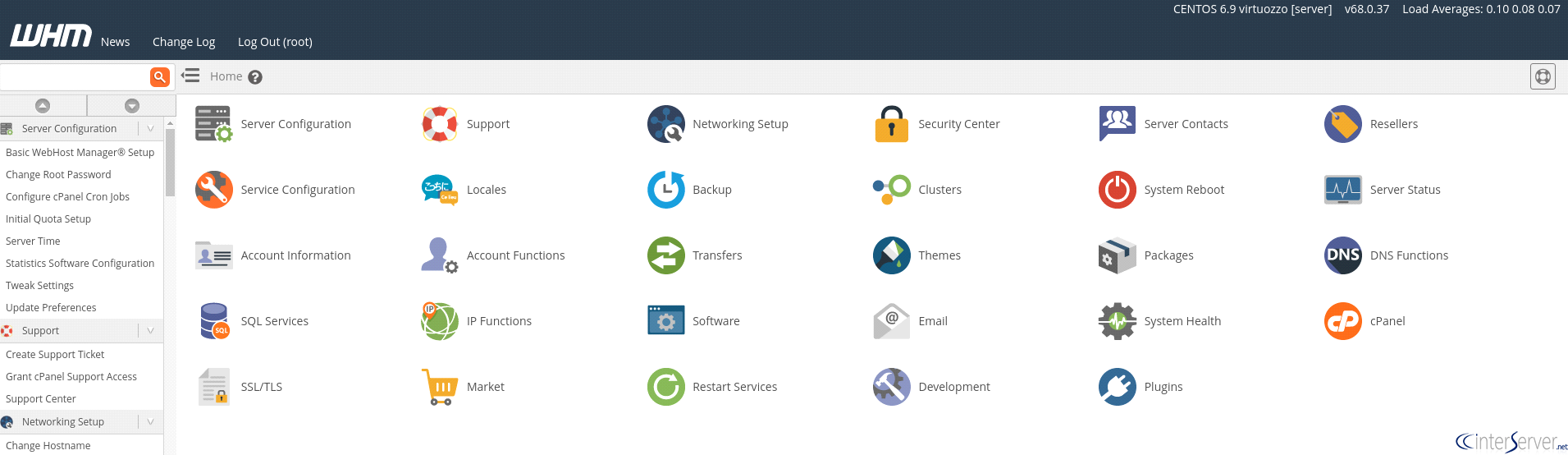
2) After that, access the following URL to reset your SSH configuration settings to default
http://yourserverip:2086/scripts2/doautofixer?autofix=safesshrestart
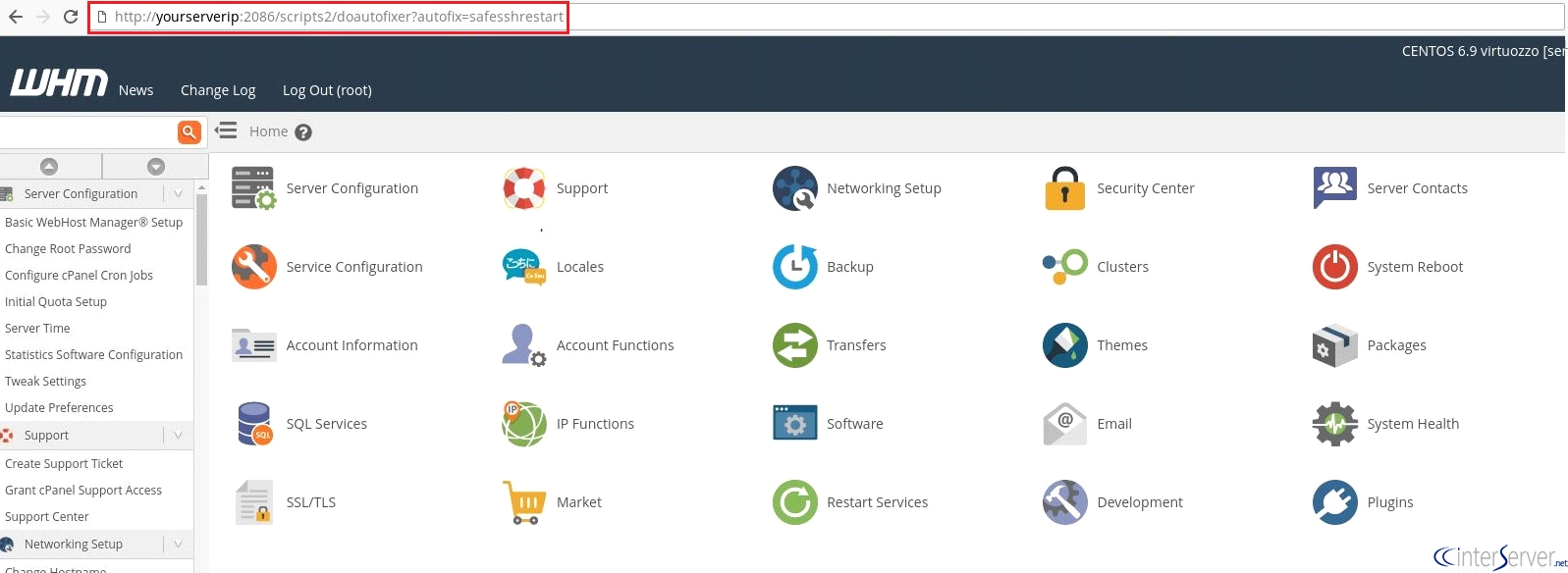
Replace the “serverip” with your server’s IP address or hostname, which you prefer to access the WHM panel.
3) Once the script is executed the SSH port number of your server will be reset to the default port.
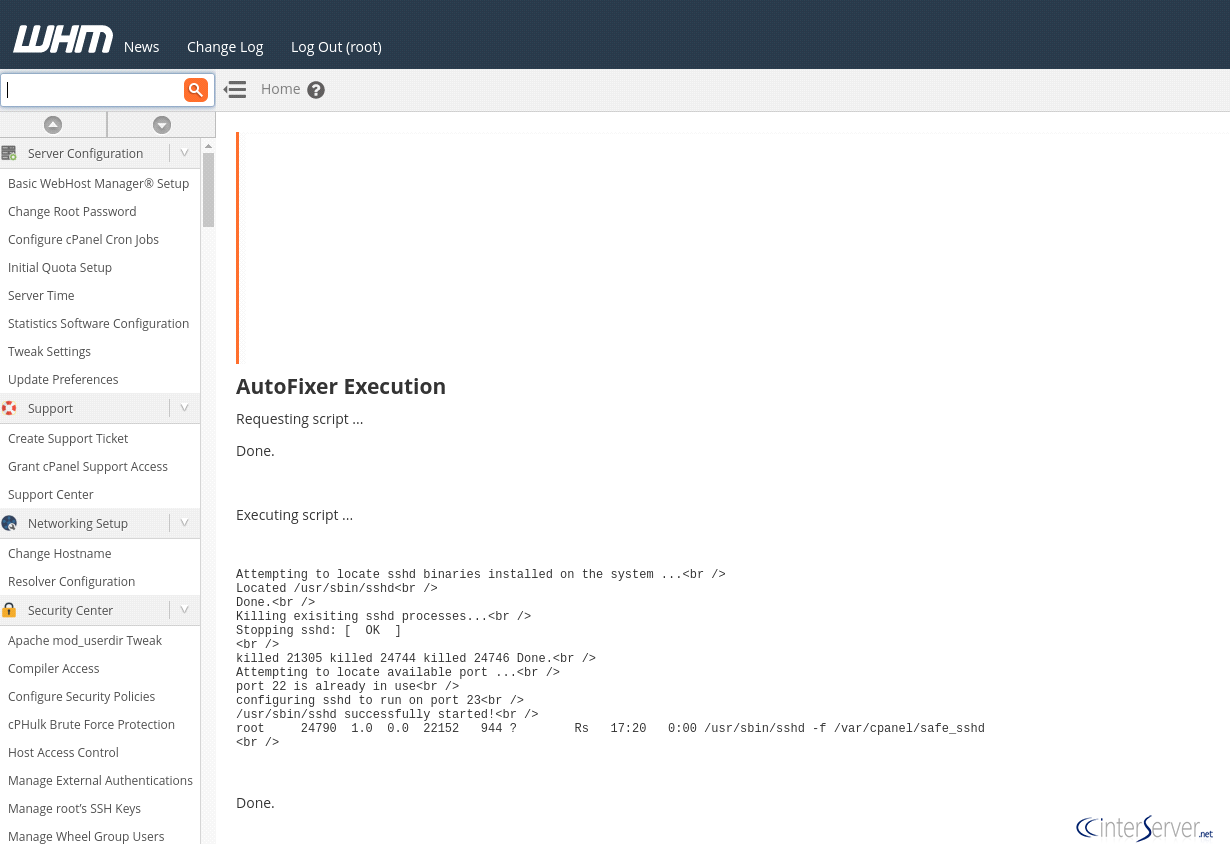
If port 22 is already in use for any other service then, another port will be opened for SSH and it will be displayed on the screen where you are executing the script.
Hence we have learned to reset the SSH port number from WHM.
If you need any further assistance please contact our support department.
Related guides
How to Install and Uninstall JetBackup for cPanel
How to Install JetBackup for cPanel. JetBackup is one of the leading backup solutions for cPanel & WHM that offers a user-friendly GUI. It provides
WHMSetup SendGrid on your cPanel VPS/Server
Setup SendGrid on your cPanel VPS/Server. SendGrid provides a cloud-based service for reliable transactional and marketing email.
WHMChange cPanel Nameserver Software to PowerDNS Carefully
Review WHM nameserver selection, resolver dependencies, cluster compatibility and DNSSEC requirements before a planned PowerDNS service change.
WHMTroubleshooting Jailed Shell on OpenVZ
cPanel/WHM providing Jailed shell environment for users, this feature giving high-level security for users when doing ssh access to their server.