
GICT knowledge base
Enable or Disable cPanel Analytics Feature at the User Account Level
Published
The first version of cPanel Analytics Interface Analytics plugin has introduced in cPanel&WHM version 74. Now the cPanel&WHM has released the full system in cPanel & WHM version 78. This Analytics features gather all the data about how the users are using the cPanel & WHM’s interfaces in which how the users navigate cPanel, WHM, and Webmail from within the interface. It will also collect data about how the hosting providers are configuring the servers. Analytics feature will keep the data for almost 26 months. Once the expiration has reached, then it will destroy it. In cPanel & WHM version 78 and later, Interface Analytics plugin has installed automatically but it is not enabled by default. We need to manually enable this feature. Because the cPanel Analytics feature is optional. So until the server owner enables the plugin at the server level, it will not gather any data. Also, the user account enables the data collection for their corresponding accounts individually. Otherwise, it will not collect any data for the specific user accounts. In this documentation, we are discussing how to enable or disable cPanel Analytics feature on the account level in cPanel & WHM version 78 and later and also in cPanel & WHM version 74 through 76.
How to enable or disable cPanel Analytics feature at the account level in cPanel & WHM version 78 and later
1) Log into the WHM using the username and password.
2) Now you need to click the “lightbulb” icon in the bottom right corner of the cPanel, WHM, or Webmail interface.
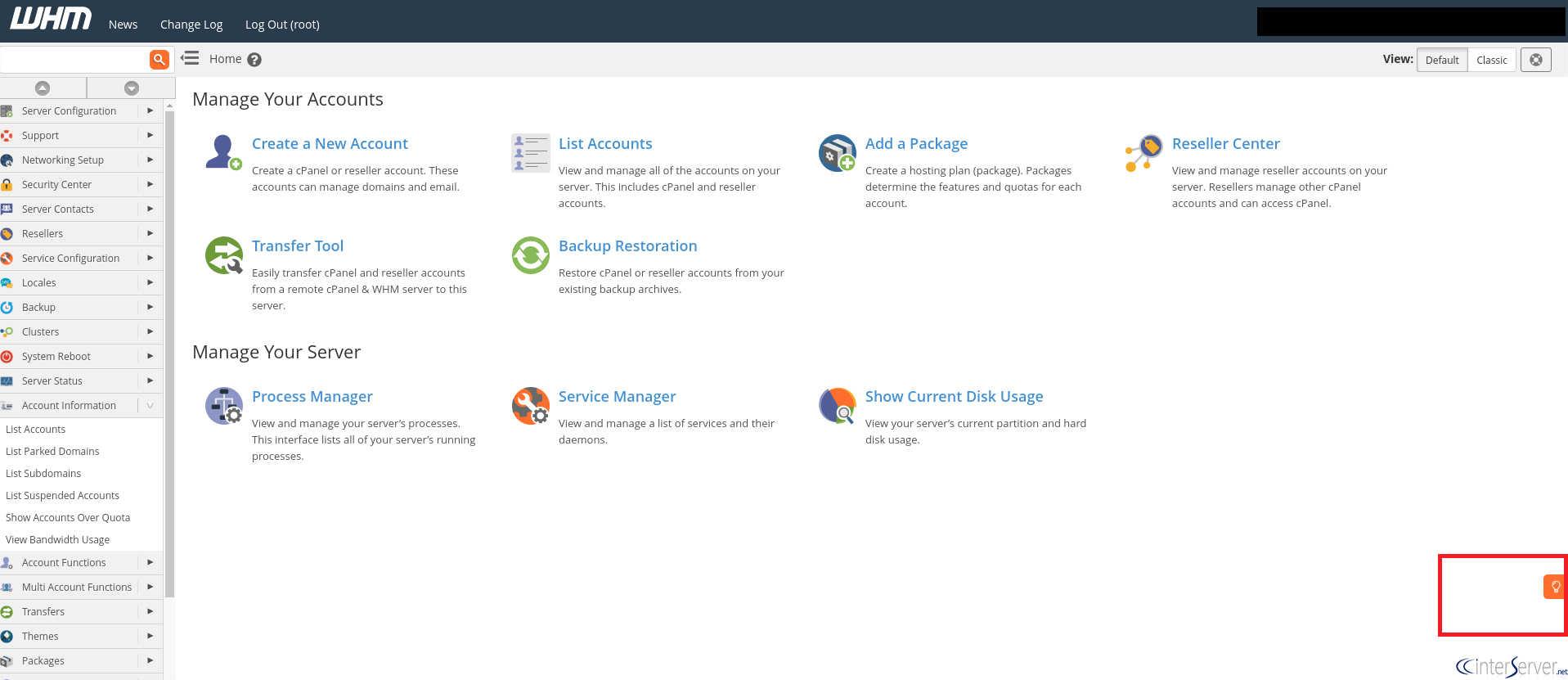
3) From here, you can choose the appropriate cPanel Analytics settings.
4) If you want to enable data collection, then you need to choose the “Allow” option from the page.
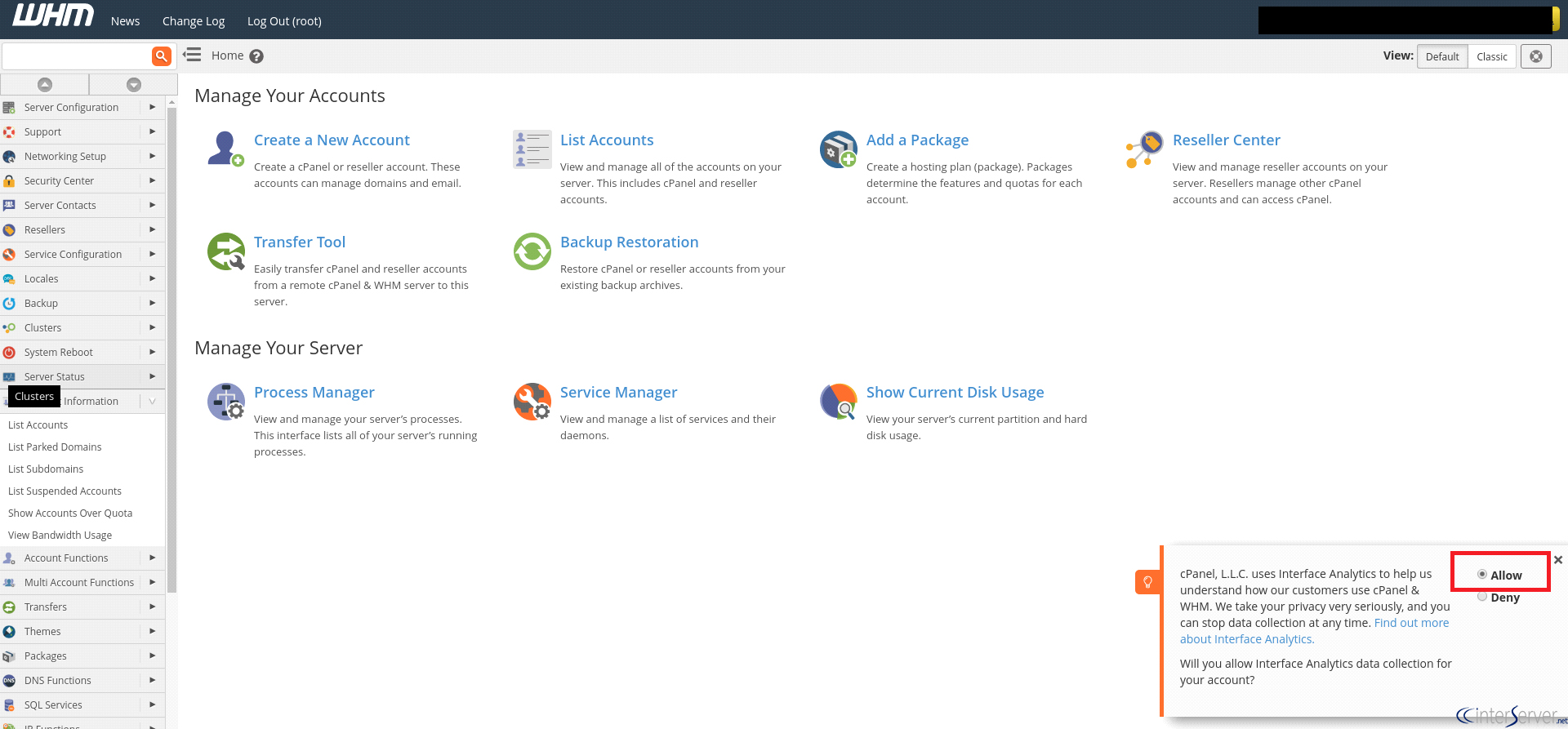
5) If you want to disable the data collection, then you need to choose the “Deny” option from the page.
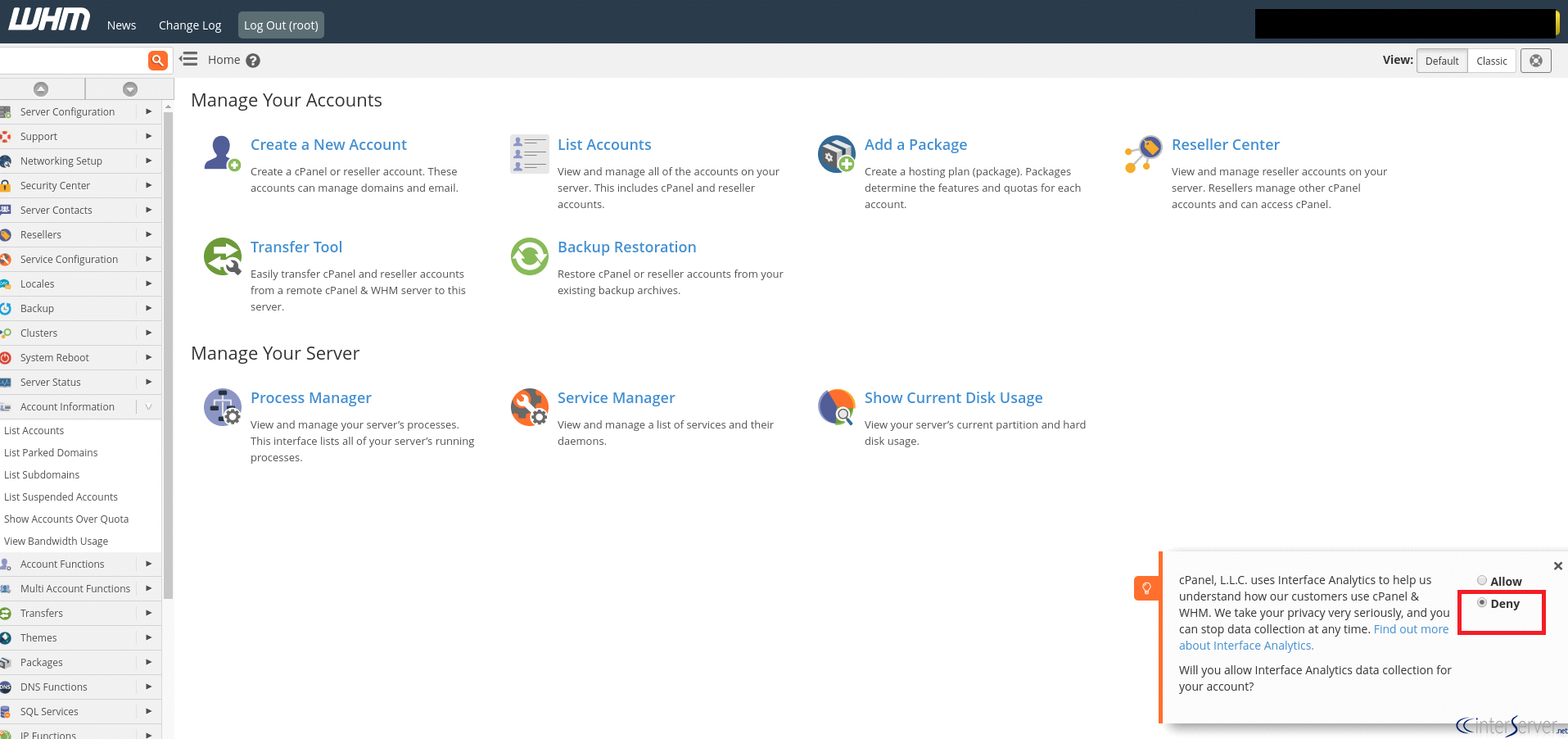
In cPanel & WHM version 74 through 76, the procedures for enabling or disabling cPanel Analytics features are same.
If you need any further help, please do reach our support department.
Related guides
How to Install and Uninstall JetBackup for cPanel
How to Install JetBackup for cPanel. JetBackup is one of the leading backup solutions for cPanel & WHM that offers a user-friendly GUI. It provides
WHMSetup SendGrid on your cPanel VPS/Server
Setup SendGrid on your cPanel VPS/Server. SendGrid provides a cloud-based service for reliable transactional and marketing email.
WHMChange cPanel Nameserver Software to PowerDNS Carefully
Review WHM nameserver selection, resolver dependencies, cluster compatibility and DNSSEC requirements before a planned PowerDNS service change.
WHMTroubleshooting Jailed Shell on OpenVZ
cPanel/WHM providing Jailed shell environment for users, this feature giving high-level security for users when doing ssh access to their server.