
GICT knowledge base
Block Domains Having Dynamic IPs Using CSF
Published
CSF is a security tool that can protect the server from various attacks such as brute force and also improve server security.
Sometimes there will be some domains i.e., mostly for email hosts which have dynamic IPs so that we cannot block a particular IP to block the domain on our server. In order to resolve the issue, CSF will help you to do this.
1) First of all, go to CSF directory.
cd /etc/csf
2) Open the CSF configuration file.
vi csf.conf
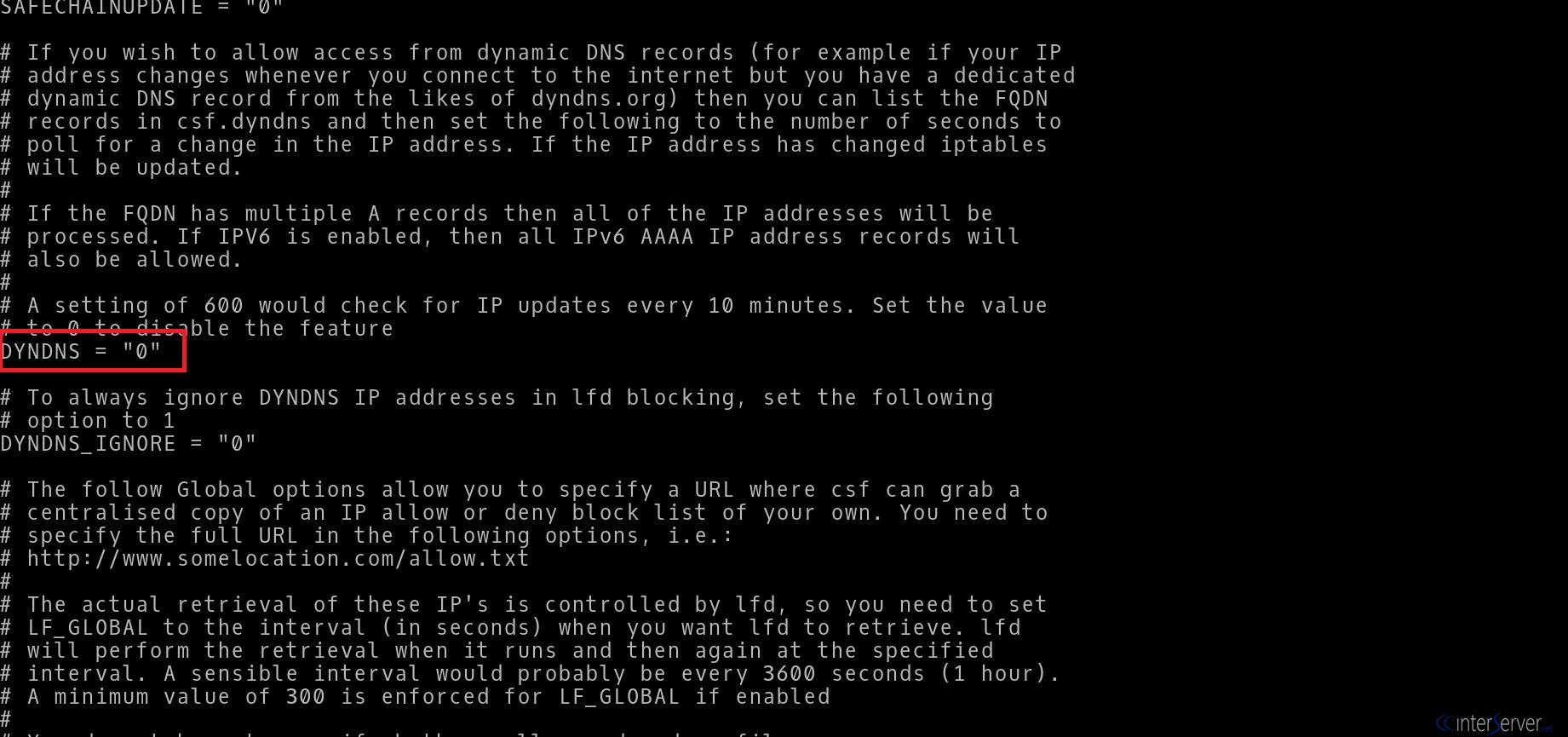
Then search for “DYNDNS” on the file and you can see some lines like below:
DYNDNS = “0”
This means that the function is disabled. Change it to “1” ie, DYNDNS = “1” and save the file.
Dynamic DNS (DDNS or DynDNS)
It is a method of automatically updating a nameserver in the Domain Name Server (DNS), often in real time with active DDNS configuration of its configured hostnames, addresses or other information. The term DDNS is used to describe two different concepts. The first concept is “dynamic DNS updating” which refers to systems that are used to update traditional DNS records without manual editing. The second concept of dynamic DNS permits lightweight and immediate updates often using an update client, which do not use some standards for updating DNS records. These clients provide a persistent addressing method for devices that change their location, configuration or IP address frequently.
3) Restart the CSF service to activate this.
service csf restart
Also, you can set the time interval between the checks here.
GLOBAL_DYNDNS_INTERVAL = “600”
4) Now, we need to specify the domain that we need to block in the CSF. For this, we need to edit the file csf.dyndns.
vi /etc/csf/csf.dyndns
5) We have to add the domain name which we need to block and save the file. After that, restart CSF using the below command to activate this.
csf -r
In this way, you have to block the domains having dynamic IPs using CSF.
If you need any further help, please do reach our support department.
Related guides
How to Find Services That Need a Restart After Updates with needrestart
Find services using outdated libraries with needrestart on Ubuntu. Read restart reports, review automatic restart policy and plan maintenance safely.
Firewall and SecurityHow to Connect Two Servers Privately with WireGuard
Connect two servers with WireGuard and keep PostgreSQL on the tunnel. Verify peer traffic, private database access and denied public connections.
Firewall and SecurityGICTServer HIPAA Hosting: BAA and Shared Responsibilities
Review GICTServer HIPAA hosting responsibilities and download the BAA and provisioning checklist. Request service-specific coverage through a support ticket.
Firewall and SecurityHow to Sign and Verify Files with Minisign
Sign release files with Minisign, share an authenticated public key, verify downloads, and stop processing when signatures fail.