
GICT knowledge base
Roundcube Archive vs. cPanel Email Archiving: How to Use Each
Published
Roundcube’s Archive button moves selected messages into an archive folder. It does not, by itself, turn on automatic retention of every incoming and outgoing message. cPanel’s separate Email Archiving feature handles domain-level capture when your hosting administrator enables it.
Corrected October 14, 2026: This guide previously described these two features as one. Choose the instructions that match your goal. The existing images below are historical Roundcube illustrations from 2019; button positions depend on the installed version and skin.
Move selected messages to an Archive folder
- Sign in to the appropriate mailbox in Roundcube.
- In Settings > Preferences > Special Folders, check that an archive folder is assigned if your installation provides the Archive plugin.
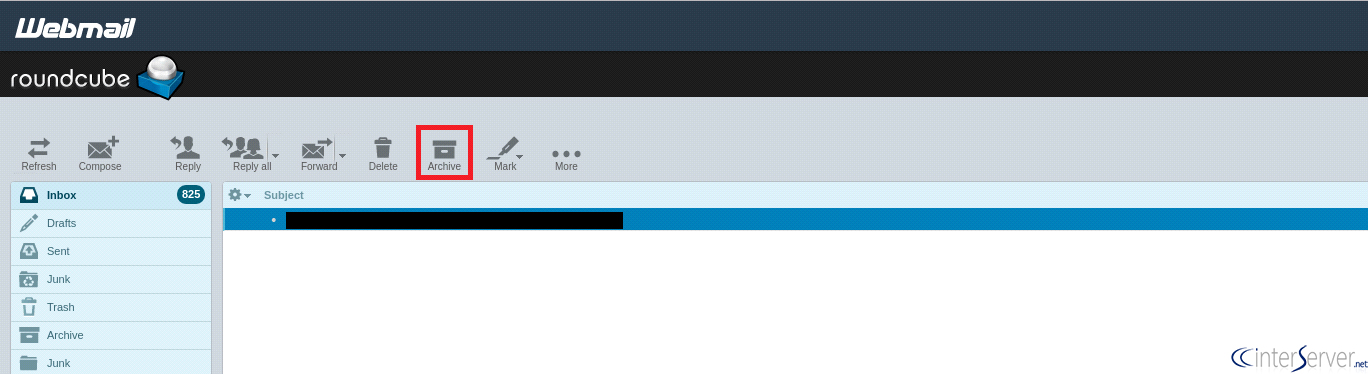
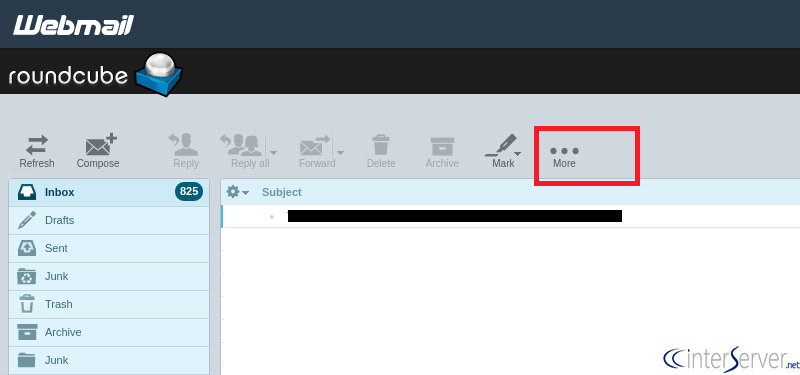
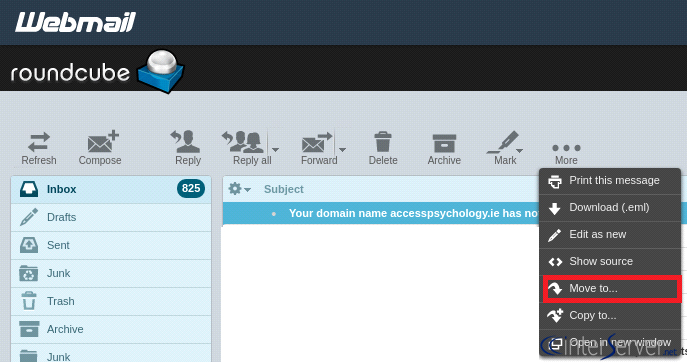
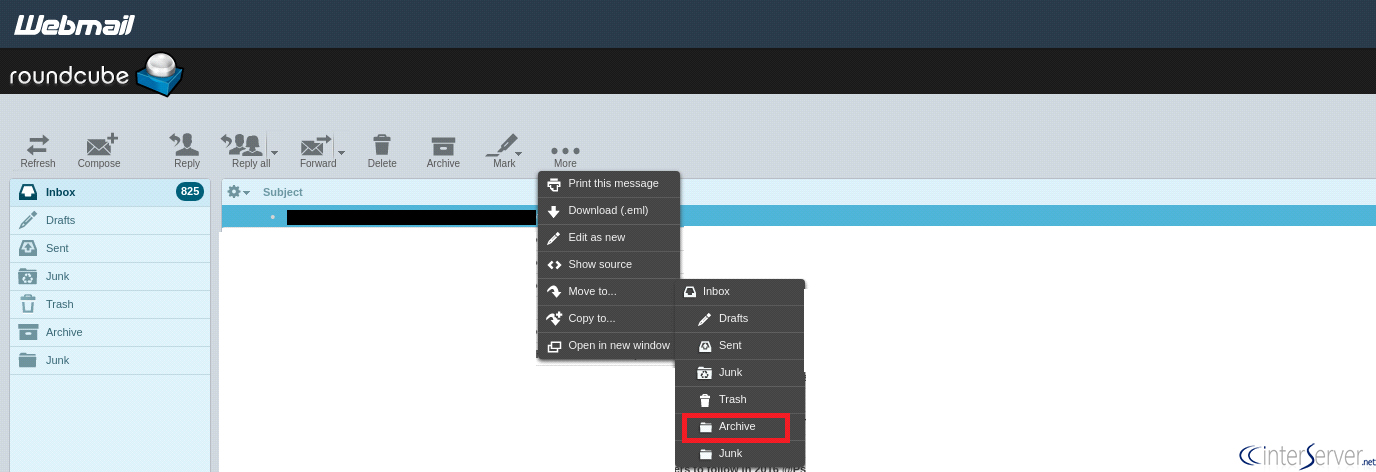
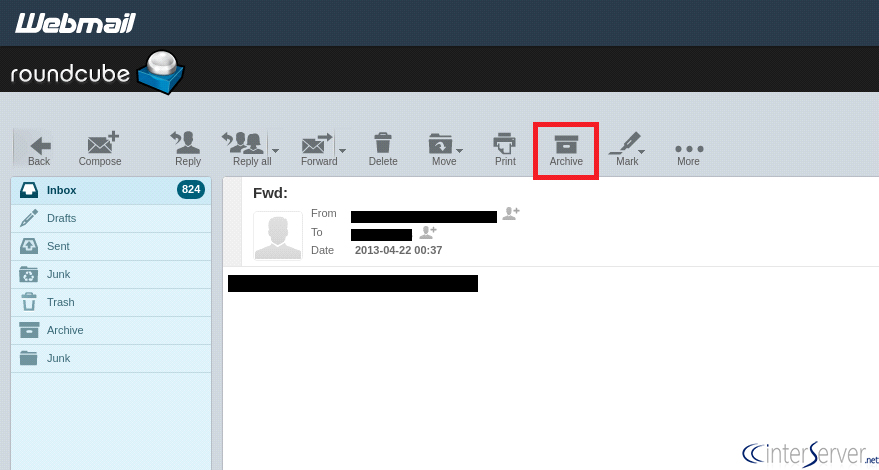
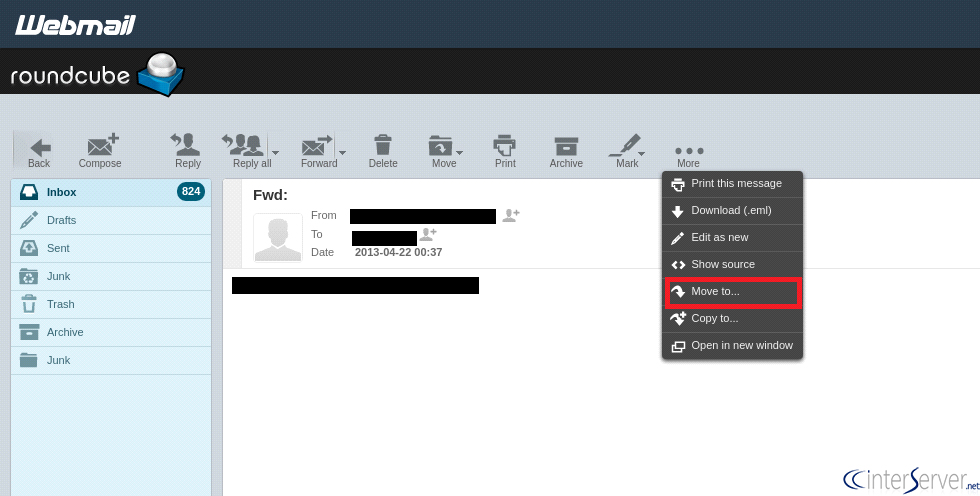
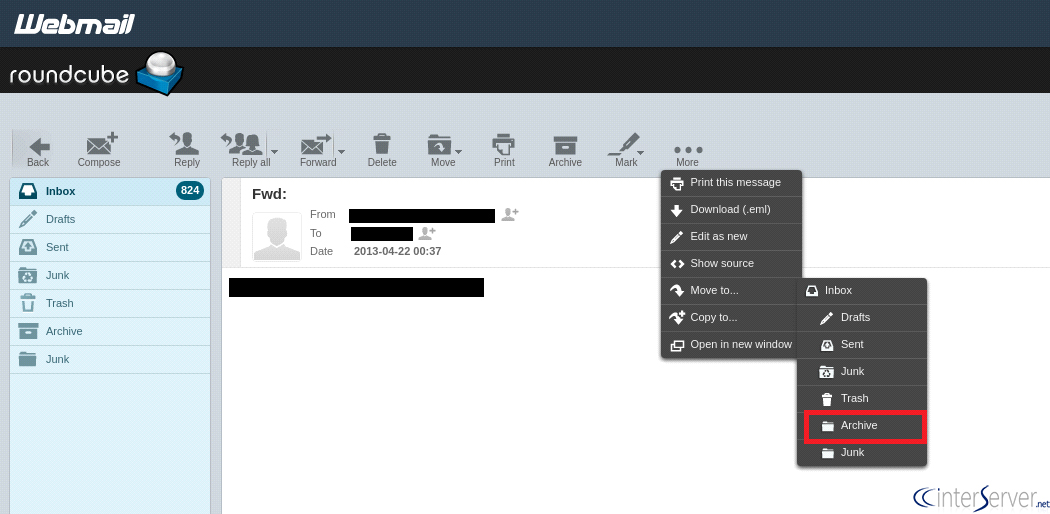
- Select a non-sensitive test message and choose Archive. Alternatively, use the message’s move action to select the intended folder.
- Open that folder and confirm the message arrived. Check where it was moved before applying the action to many messages.
If the button is absent, ask your provider whether the Archive plugin is enabled. The Roundcube 1.1 user manual documents this folder-based behavior; it is a reference for the feature, not proof that your installation uses that older version.
A mailbox folder is still part of the mail system you are organizing. Moving messages is not an independent backup, and you should not assume it frees account storage. Before deleting originals, confirm what was moved or copied and whether your separate backup can be restored.
Automatically archive domain email in cPanel
This requires both administrator-enabled email archiving support and permission in the account’s feature list. If cPanel > Email > Archive is unavailable, contact support rather than looking for a Roundcube setting.
- Open Archive in cPanel and locate the intended domain.
- Select the needed message types, such as incoming or outgoing mail, and choose the retention period.
- Check available storage before enabling retention. Avoid applying the settings to all domains unless that is intentional.
- Use a new, non-sensitive test message to verify capture through the archive’s access options.
cPanel documents that capture is not retroactive and that incoming mail is archived before filtering, including spam. See the cPanel Archive reference for archive access, downloads and storage management.
Checks before relying on either feature
Decide whether your need is inbox organization, recovery from accidental deletion, or a formal retention requirement. Those are different goals. Limit access to archives, confirm who can delete them, and test retrieval using sample mail. Do not assume a mailbox folder or a retention setting alone satisfies an organizational compliance policy.
For help with an GICTServer-hosted mailbox, open a support ticket naming the domain, the feature you need and the missing button or error. Never include the mailbox password or private message content in a public screenshot.
Historical Roundcube screenshots
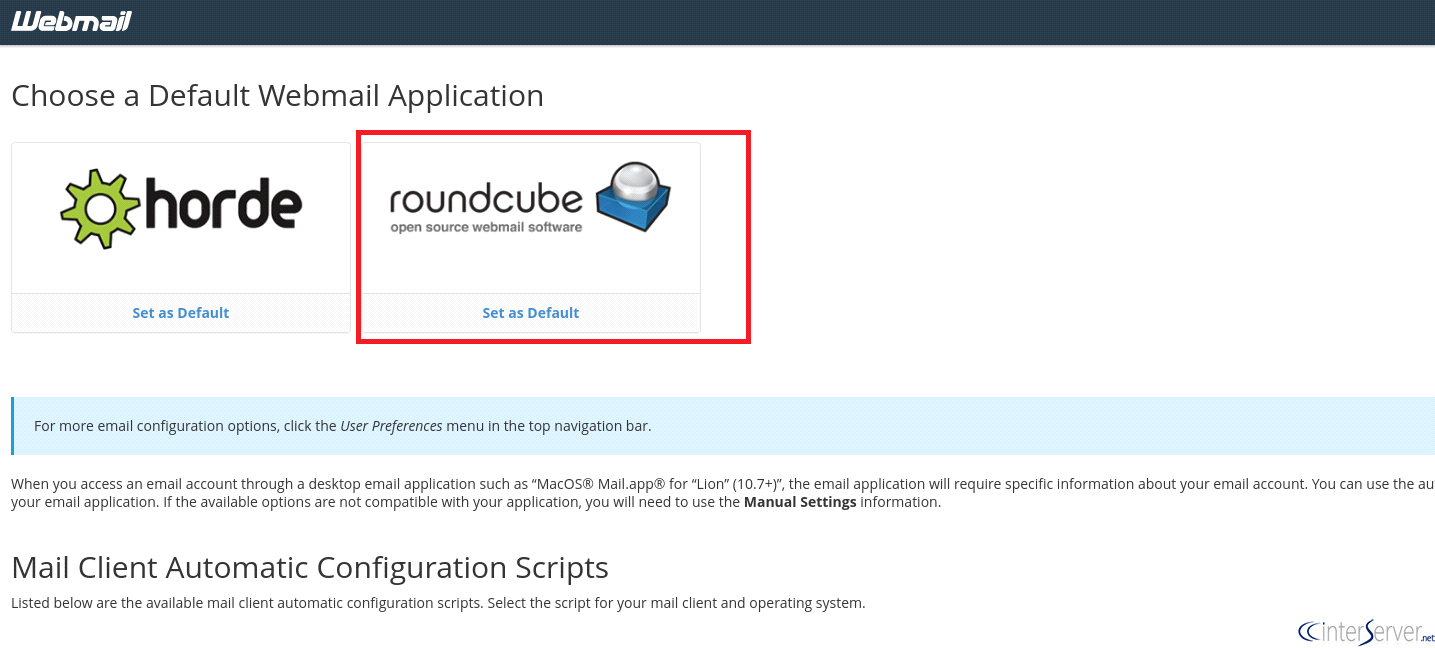
The original eight images are retained as older examples of mailbox selection, toolbar actions and moving a message to an archive folder. They do not illustrate enabling cPanel’s separate automatic archiving service.
Related guides
Host Additional Domains on an Eligible GICTServer Account
Check your hosting limits, choose a separate site or alias and use cPanel or DirectAdmin with deliberate DNS, content and certificate verification.
cPanelHardening Your cPanel Server: Beyond the Basics After CVE-2026-41940
Security is a moving target. With the recent discovery of CVE-2026-41940, it has become clear that just having a firewall isn't enough anymore.
cPanelcPanel and Plesk notice: Awstats,. Webalizer and Analog stats are being removed
Important Update: cPanel and Plesk Phasing Out Legacy Statistics Tools If you regularly check your website traffic through your hosting control panel, we have an...
cPanelThe dangers of shared licenses (in other words unofficial/cracked licenses)
Why Cracked cPanel Licenses Aren’t Worth the Risk: A Guide for GICTServer Customers When you’re managing a server, every dollar counts.