
GICT knowledge base
10 Best Arch Linux Based User Friendly Distributions in 2026
Published
Arch Linux is known for being powerful and fast, but it can be tough for beginners to install and set up. The good news is there are now many Arch-based distributions that give you all the benefits without the complexity. These user-friendly versions come with easy installers, pre-configured settings, and everything you need to get started right away. You get the speed, latest software, and customization of Arch Linux, but without spending hours on configuration. Let’s explore the top 10 user-friendly Arch Linux distributions in 2026 that anyone can use.
What Makes Arch Linux Special
Before we dive into the list, let’s understand why people love Arch. It’s fast, customizable, and gives you complete control. However, regular Arch Linux requires manual installation and configuration, which can be difficult for beginners. That’s where these user-friendly versions come in.
1. Manjaro Linux
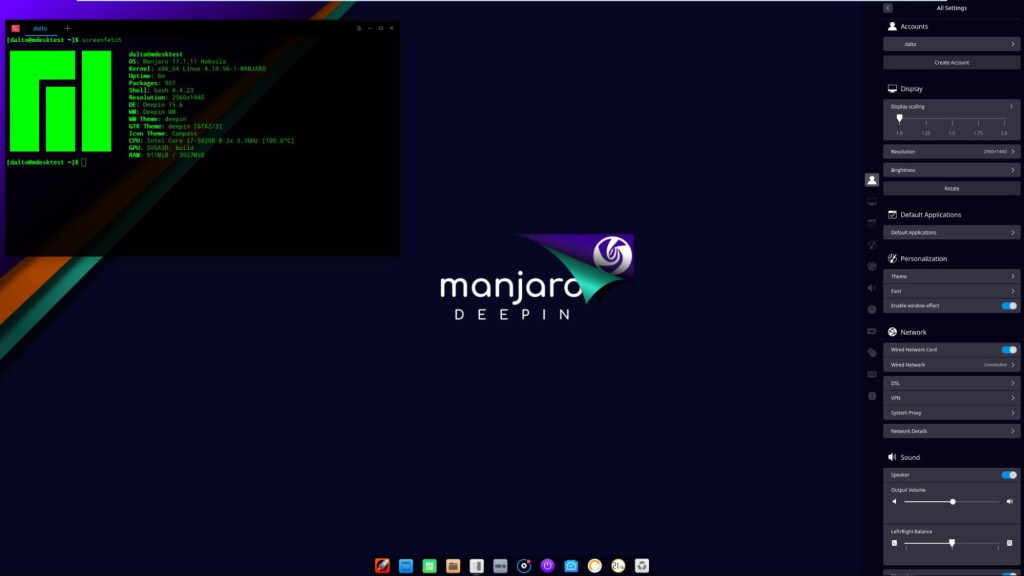
Manjaro is the most popular Arch-based distribution for good reason. It comes with everything pre-installed and ready to use right out of the box. This distribution is perfect for beginners who want a stable and reliable system. Manjaro tests all updates before releasing them, which means fewer chances of system breaks. You can start using it immediately without any technical knowledge.
Key Features
- Easy graphical installer
- Multiple desktop environments like XFCE, KDE, and GNOME
- Hardware detection works automatically
- Package updates are delayed for better stability
- Built-in system maintenance tools
Why Choose Manjaro
Manjaro is perfect for people switching from Windows or Ubuntu. You get all the benefits of Arch without any of the headaches.
2. EndeavourOS
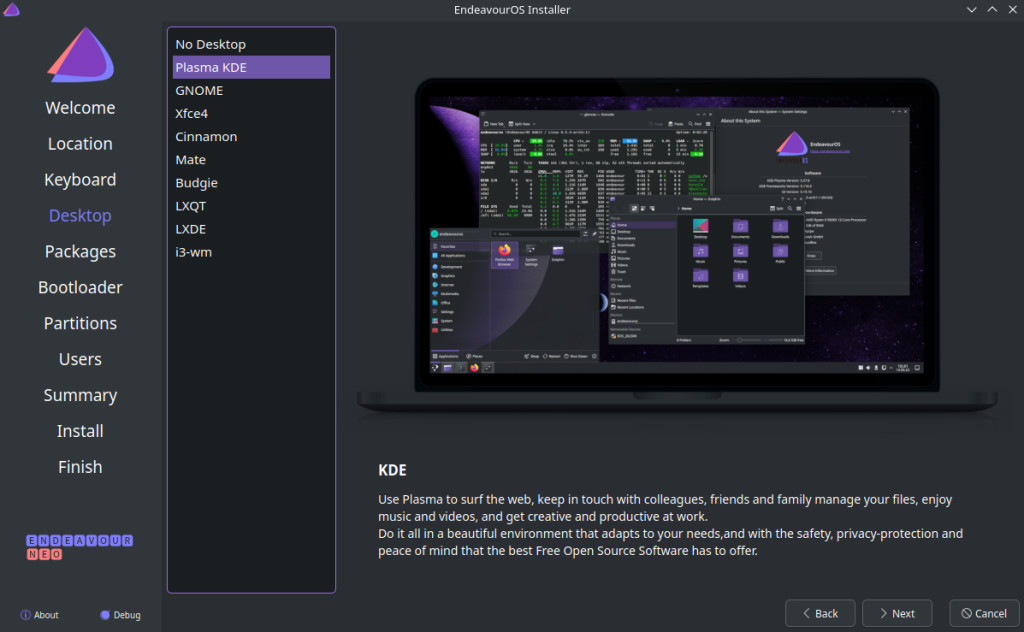
EndeavourOS is for users who want something closer to pure Arch but still easy to install. It’s lightweight and gives you more control than Manjaro. This distribution strikes a perfect balance between simplicity and power. You get a clean system with minimal bloatware, allowing you to customize it your way. EndeavourOS is ideal if you want to learn how Arch Linux works while having helpful tools and community support.
Key Features
- Near-vanilla Arch experience
- Simple and clean installation process
- Helpful and friendly community
- Minimal pre-installed software
- Regular system updates directly from Arch repositories
Why Choose EndeavourOS
This distribution is ideal if you want to learn Arch Linux while having a safety net.
3. Garuda Linux
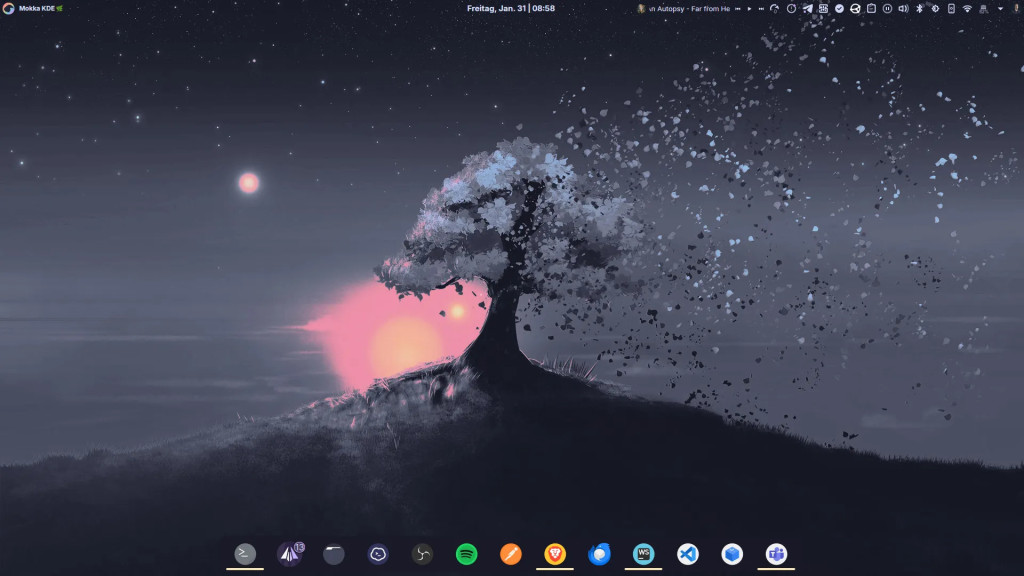
Garuda Linux focuses on performance and gaming. It comes with beautiful themes and powerful features right from the start. This distribution is perfect for gamers and users who want their system to look amazing while running fast. Garuda includes automatic system snapshots, so you can easily restore your system if something goes wrong. The performance tweaks make it one of the fastest Arch-based options available.
Key Features
- Gaming-optimized out of the box
- Stunning visual themes
- BTRFS filesystem with automatic snapshots
- Performance tweaks pre-configured
- Multiple desktop environment options
Why Choose Garuda Linux
Gamers and power users will love Garuda’s attention to speed and aesthetics.
4. ArcoLinux
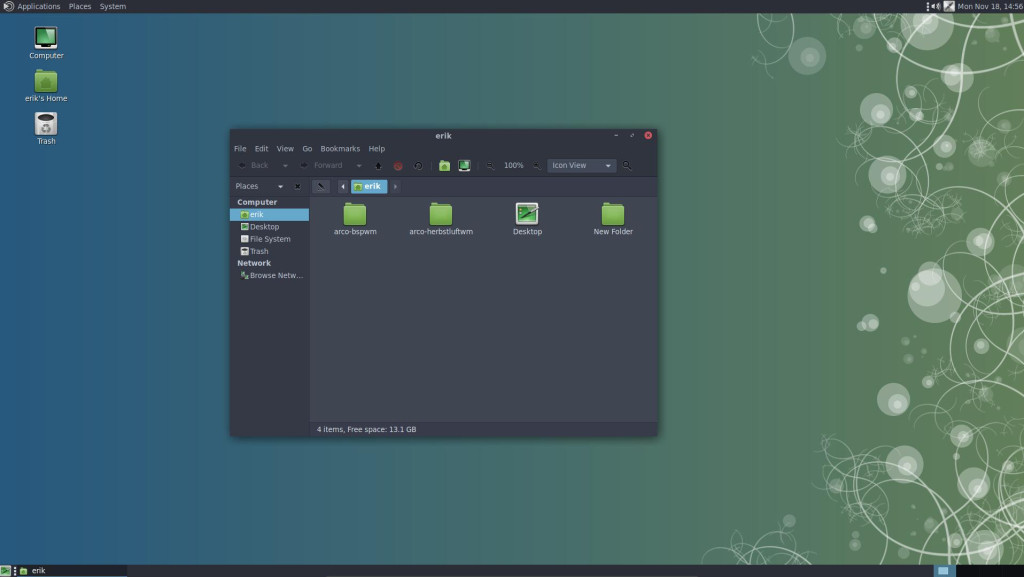
ArcoLinux is excellent for people who want to learn Linux deeply. It offers three different versions for different skill levels. This distribution comes with hundreds of tutorial videos that teach you everything step by step. You can start as a complete beginner and gradually build your Linux skills. ArcoLinux gives you the knowledge and confidence to use any Linux system in the future.
Key Features
- Three editions: ArcoLinux, ArcoLinuxD, and ArcoLinuxB
- Extensive video tutorials
- Learn by doing approach
- Multiple window managers available
- Active learning community
Why Choose ArcoLinux
If education is your goal, ArcoLinux provides the best learning path.
5. Artix Linux
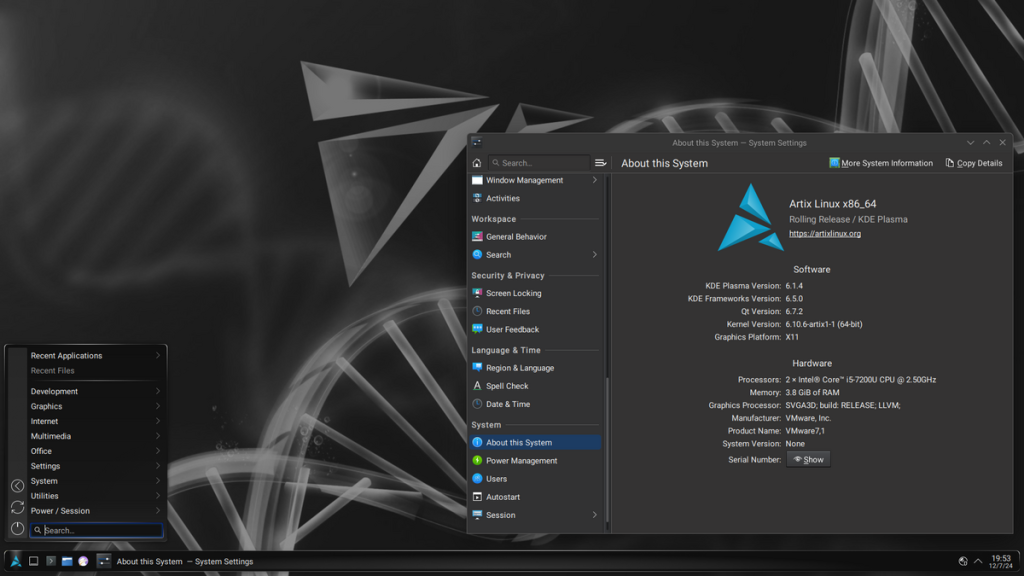
Artix Linux stands out because it doesn’t use systemd. Instead, it offers alternative init systems for users who prefer different options. This distribution is perfect for users who want more control over how their system starts and runs. Artix is lightweight and boots faster than many other Linux distributions. If you’re concerned about system simplicity and freedom of choice, Artix delivers exactly that.
Key Features
- Choice of init systems like OpenRC, runit, and s6
- Systemd-free environment
- Based on Arch repositories
- Lightweight and fast
- Multiple desktop environments
Why Choose Artix Linux
Tech enthusiasts who want more control over their system will appreciate Artix.
6. RebornOS
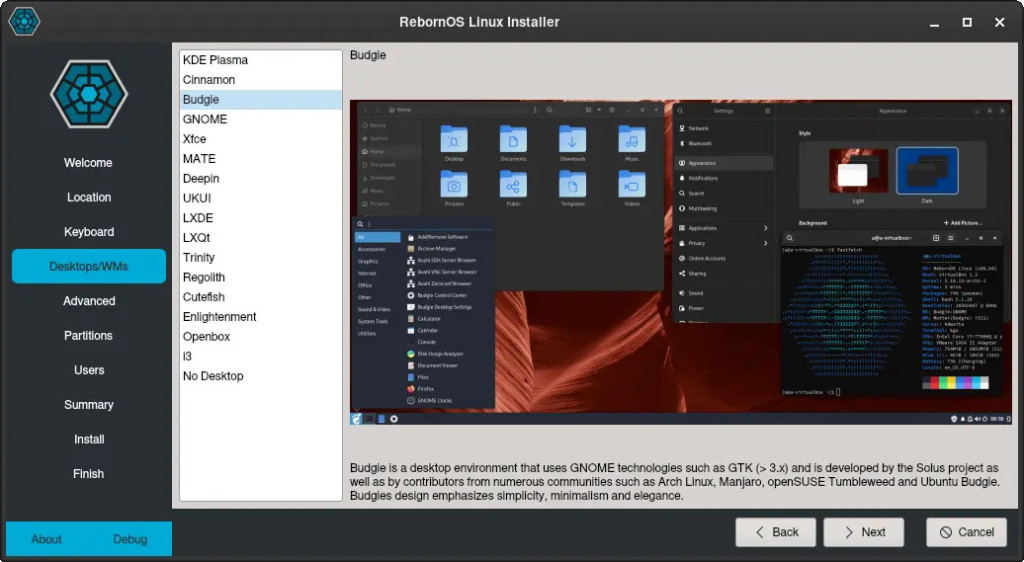
RebornOS makes customization incredibly easy. During installation, you can choose exactly what you want installed. This distribution lets you pick from over 15 different desktop environments before you even finish installing. You get complete freedom to build your perfect system without complex commands. RebornOS is ideal for users who know what they want but don’t want to spend time configuring everything manually.
Key Features
- Choose from 15 plus desktop environments
- Anarchy installer now called RebornOS installer
- Easy customization options
- Rolling release model
- Good hardware support
Why Choose RebornOS
This distribution is perfect for users who know what they want but don’t want to configure everything manually.
7. Archman Linux
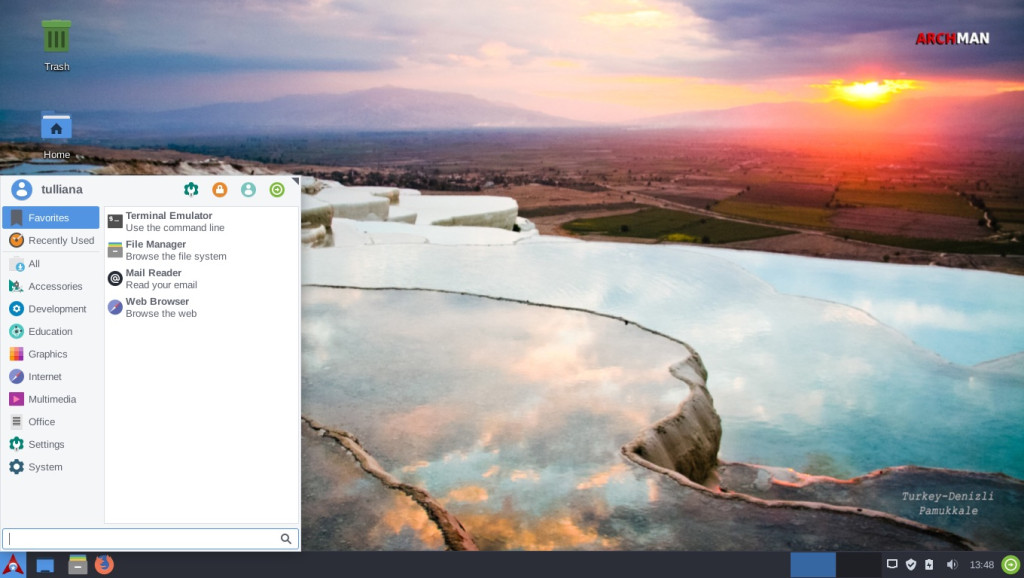
Archman is a Turkish-based distribution that focuses on simplicity and ease of use. Don’t worry, it’s fully available in English too. This distribution provides a polished desktop experience with beautiful themes and smooth performance. Archman comes with all the essential software pre-installed, so you can start working immediately. The user interface is clean and intuitive, making it perfect for users who want an attractive and functional system.
Key Features
- Beautiful default themes
- User-friendly interface
- Pre-installed essential software
- Good documentation
- Active development
Why Choose Archman Linux
Archman works great for desktop users who want a polished experience.
8. CachyOS
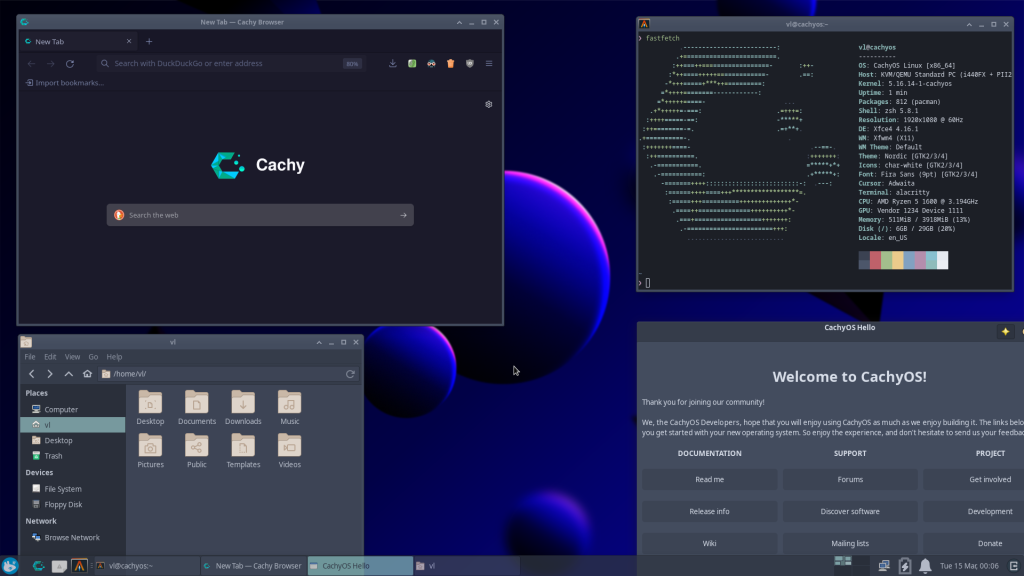
CachyOS is all about performance. It uses optimized packages that make your system run faster. This distribution compiles software specifically for modern processors, giving you better speed than regular Arch. CachyOS is perfect for gamers and power users who want every bit of performance from their hardware. If you have a modern computer and want the absolute fastest Arch-based system, CachyOS is your best choice.
Key Features
- Performance-optimized packages
- Custom kernel options
- Modern and clean interface
- Gaming-friendly features
- Advanced desktop environments
Why Choose CachyOS
If you want the fastest Arch-based system possible, CachyOS delivers excellent performance.
9. Bluestar Linux
Bluestar Linux comes with a comprehensive software collection pre-installed. You can start working immediately after installation. This distribution includes everything from office software to multimedia tools and gaming applications. Bluestar saves you hours of setup time by providing a complete desktop environment ready to use. It’s ideal for users who want the convenience of having everything they need without hunting for software packages.
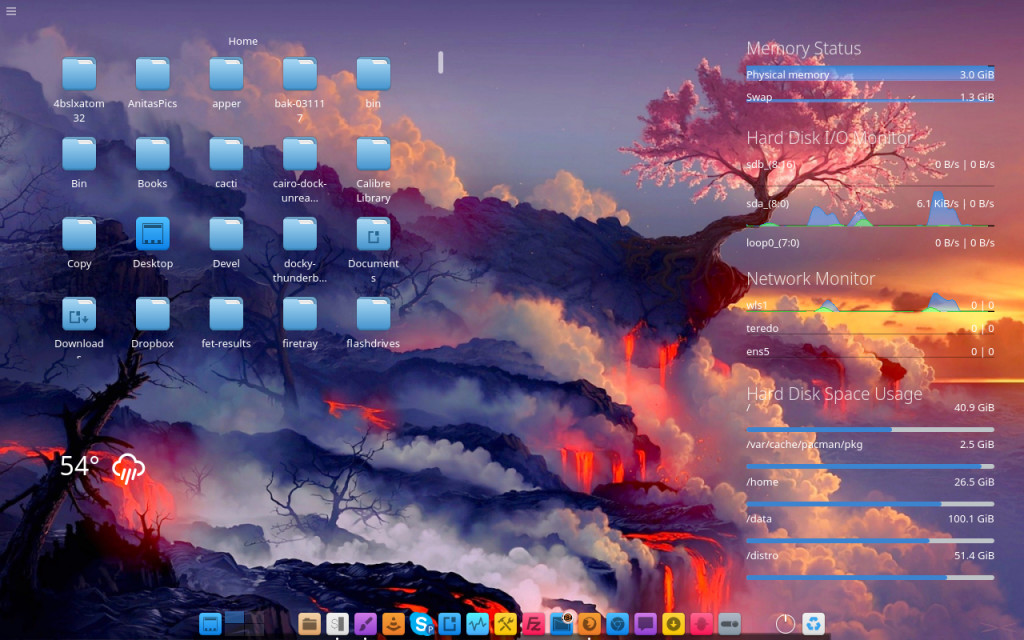
Key Features
- Extensive pre-installed software
- KDE Plasma desktop
- Multimedia codecs included
- Gaming tools pre-configured
- Beautiful default configuration
Why Choose Bluestar Linux
This distribution is ideal for users who want everything ready without additional setup.
10. Crystal Linux
Crystal Linux is a newer distribution that aims to make Arch accessible to everyone. It features a modern approach to system management. This distribution uses its own package manager called Amethyst, which makes installing software even easier. Crystal Linux is actively developed with fresh ideas and modern design principles. While it’s relatively new, Crystal Linux shows great promise and is worth watching as it continues to grow and improve.
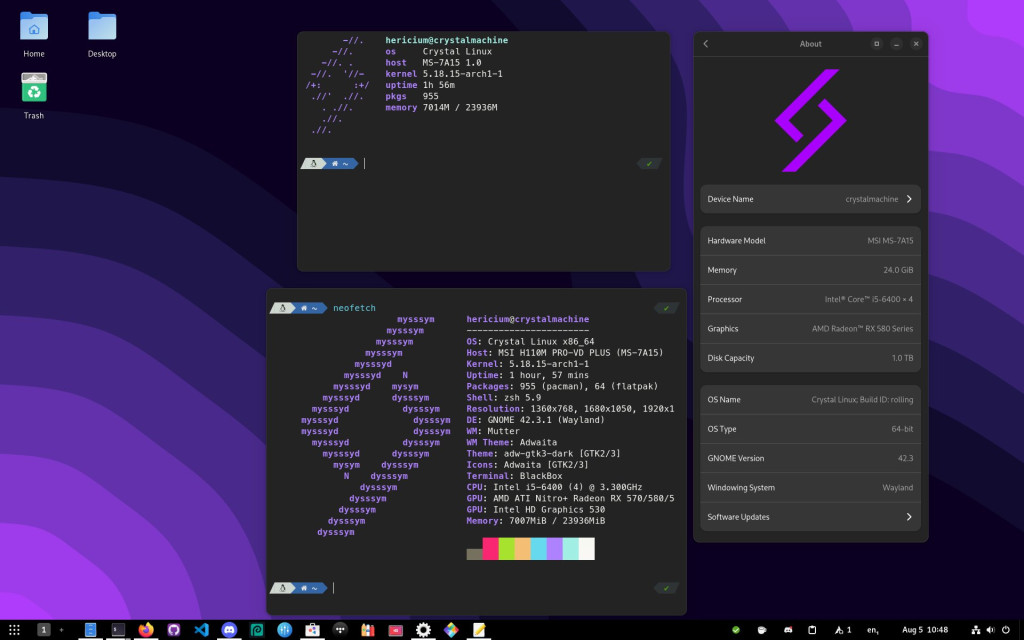
Key Features
- Custom package manager called Amethyst
- Modern installation process
- Clean and minimal design
- Growing community
- Regular updates provided
Why Choose Crystal Linux
Crystal Linux is worth watching as it continues to develop and improve.
How to Choose the Right Distribution
Picking the perfect Arch-based distribution depends on your needs.
For Different Users
- For complete beginners: Start with Manjaro or Garuda Linux
- For learning Arch: Try EndeavourOS or ArcoLinux
- For gaming: Choose Garuda or CachyOS
- For customization: Pick RebornOS or EndeavourOS
- For performance: Select CachyOS or Artix Linux
Installation Tips
Most of these distributions make installation easy, but here are some helpful tips.
- Create a bootable USB drive using tools like Rufus or Etcher
- Back up your important data before installing
- Check hardware compatibility on the distribution’s website
- Start with a virtual machine if you’re nervous
- Join the community forums for help and support
Benefits of Using Arch-Based Distributions
All these distributions share common advantages.
Main Benefits
- Rolling release model means you always get the latest software without reinstalling
- Large software repository provides thousands of packages available through official repos and AUR
- Active communities offer helpful forums and documentation
- Customization freedom lets you change anything you want
- Performance is generally faster than other Linux distributions
Conclusion
Arch-based distributions offer the perfect balance between power and ease of use. Whether you’re a beginner or an experienced user, there’s an option on this list for you.
Manjaro remains the top choice for most users in 2026 because of its stability and ease of use. However, if you want something different, distributions like EndeavourOS, Garuda, or ArcoLinux provide excellent alternatives.
The best way to find your favorite is to try a few in a virtual machine. Each distribution has its own personality and strengths. Pick one that matches your needs and enjoy the fast, flexible world of Arch Linux without the complicated setup.
Related guides
How to Set Up zram on a Small VPS
Configure zram on Ubuntu with kernel and swap checks. Understand compressed memory limits, monitor real use and avoid unsafe swap-file changes.
LinuxHow to Find Services That Need a Restart After Updates with needrestart
Find services using outdated libraries with needrestart on Ubuntu. Read restart reports, review automatic restart policy and plan maintenance safely.
LinuxHow to Limit a Linux Service’s Memory with systemd
Limit a Linux service with systemd MemoryHigh, MemoryMax and swap controls. Check cgroup support, diagnose pressure and remove only your own policy.
LinuxHow to Protect SSH with CrowdSec on Ubuntu
Protect SSH with CrowdSec on Ubuntu. Connect log detection to firewall enforcement and test temporary blocking without losing administrator access.