
GICT knowledge base
Top 5 Code Editors for Web Developers in 2023
Published
A code editor is a crucial tool for any developer, as it allows for efficient and organized writing, editing, and debugging of code. There are a variety of code editors available, each with their unique features and capabilities. In this article, we will discuss the best code editors to speed up your workflow and highlight their key features, to help you choose the right one for your needs.
Each editor has features, such as customizable interface, code highlighting, autocomplete, and built-in debugging tools. Some have built-in package managers to easily install extensions, while others are highly configurable to fit specific needs. Consider your needs and preferences when choosing a code editor to ensure it will improve your workflow. So in this article, we will briefly discuss five different code editors. Here you can see the list. Then we will discuss each wil detailed explanation and download links.
- Sublime Text: lightweight, fast, customizable
- Atom: open-source, hackable, built-in package manager
- Visual Studio Code: multi-platform, integrated debugging, built-in Git
- Notepad++: lightweight, customizable, good for Windows users
- Vim: command-line, highly configurable, efficient for experienced users
This list contains the best ever code editors. Especially, Visual Studio Code and Sublime text are my personal favourites. So, Let’s get started with the Sublime text.
Sublime Text
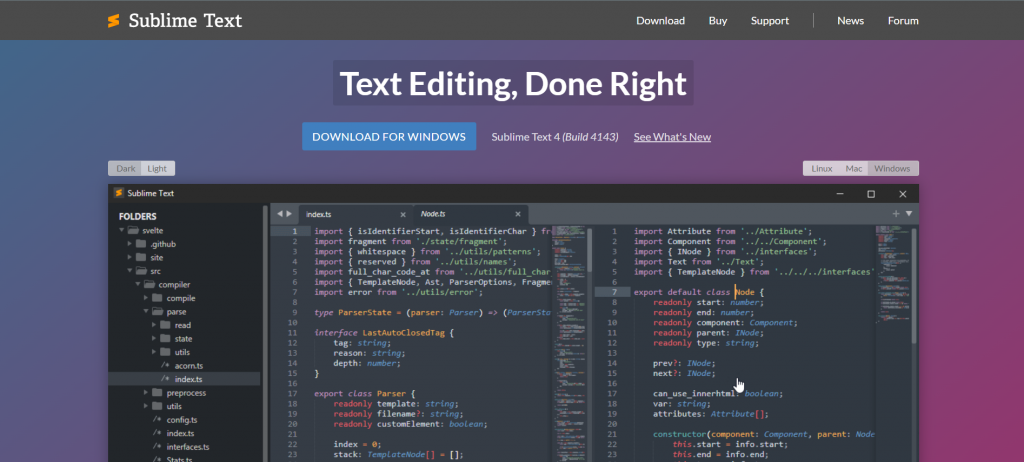
Sublime Text is a popular, lightweight code editor known for its speed and customizable interface. It supports multiple languages and has various features, such as code highlighting, autocomplete, and built-in debugging tools. It is available for Windows, macOS, and Linux. It’s a paid software but it has an unlimited free trial.
It is widely used and has a large community that creates and shares packages and plugins which we can download from Package Control. you can find more information on their website: https://www.sublimetext.com/
It’s a great choice for developers looking for a fast and customizable code editor. Here we also mantion best features of sublime code editor.
- Customizable Interface: Sublime Text allows you to customize the look and feel of the editor to fit your preferences.
- Multiple Selections: Allows you to make multiple selections at once, saving a lot of time editing code.
- Goto Anything: Allows you to quickly navigate your code by searching for specific files, lines, or symbols.
- Command Palette: A flexible command interface that allows you to access functionality from anywhere within the editor.
- Package Control: A built-in package manager that makes it easy to find, install, and manage additional packages and plugins.
It’s worth noting that these are some of the most popular features, but Sublime Text also has many other useful features.
Atom
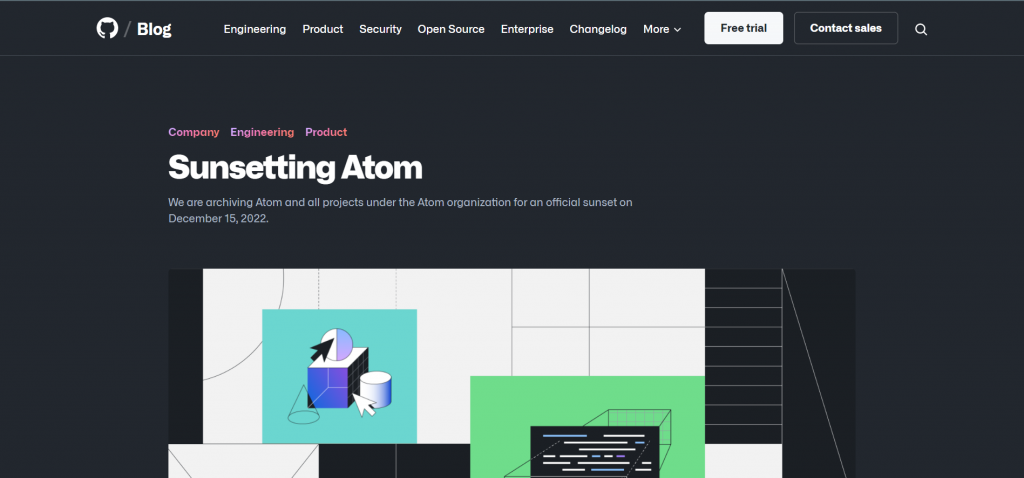
Atom is a popular, open-source code editor created by GitHub. It is known for its hackable and customizable interface, making it easy to adjust to specific needs. It supports multiple languages and has various features, such as code highlighting, autocomplete, and built-in debugging tools. It is available for Windows, macOS, and Linux. It also has a built-in package manager to easily install additional packages and plugins. It’s free to use and has a large community that creates and shares packages and plugins.
You can find more information on their website: https://atom.io/ Atom is a great choice for developers looking for a customizable, open-source code editor with a large community. Here, you can see top features of Atom Code Editor.
- Customizable Interface: Atom allows you to customize the look and feel of the editor to fit your preferences.
- Built-in Package Manager: A built-in package manager that makes it easy to find, install, and manage additional packages and plugins.
- Multi-platform support: Available for Windows, macOS and Linux.
- Multiple Panes: The ability to split the editor into multiple panes can help with organization and productivity.
- Teletype: A feature that allows multiple developers to work on the same code in real-time, making it easy to collaborate on projects.
Note that this is some of the most popular features, but Atom has many other useful features.
Visual Studio Code
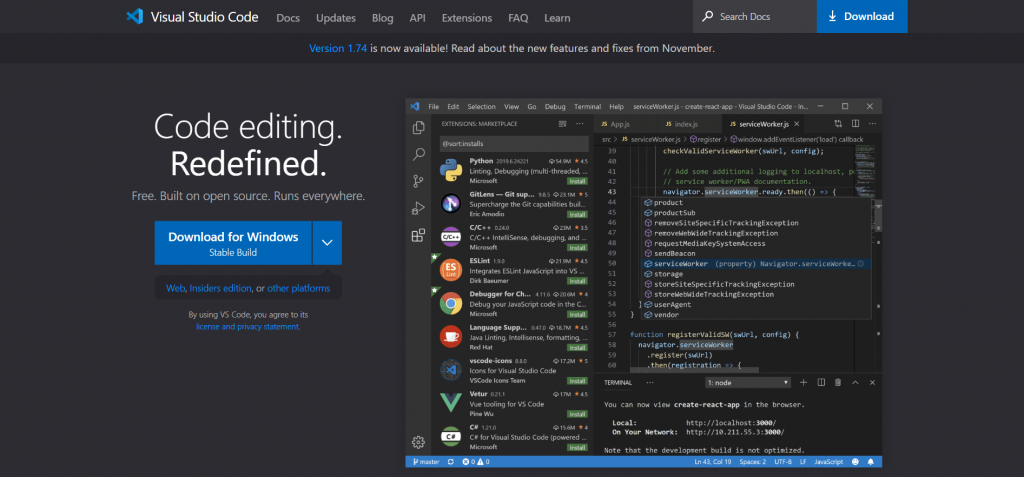
Visual Studio Code (VS Code) is a popular, multi-platform code editor created by Microsoft. It is known for its integrated debugging and built-in Git support. It supports multiple languages and has various features, such as code highlighting, autocomplete, and built-in debugging tools. It is available for Windows, macOS, and Linux. It also has a large extension marketplace which allows users to add functionalities to the editor. It’s free to use and has a large community that creates and shares packages and plugins. you can find more information on their website: https://code.visualstudio.com/ VS Code is a great choice for developers looking for a multi-platform code editor with integrated debugging and built-in Git support and a large extension marketplace. Here you can read best features of VS Code Editor.
- IntelliSense: A powerful code-completion tool that provides intelligent suggestions while writing code.
- Integrated debugging: Allows you to debug code directly within the editor, making finding and fixing errors easier.
- Built-in Git support: You can work with Git and other SCM providers directly from the editor.
- Customizable Interface: VS Code allows you to customize the look and feel of the editor to fit your preferences.
- Large extension marketplace: A wide variety of extensions and add-ons available to enhance the editor’s functionality.
Note that this is some of the most popular features. Still, VS Code has many other useful features, such as Code snippets, Multi-language support, Remote Development, Live Share and many more.
Notepad++

Notepad++ is a popular, lightweight code editor known for its speed and customizable interface. It’s a free open-source code editor that is only available windows and linux. It supports multiple languages and has various features, such as code highlighting, autocomplete, and built-in debugging tools. It also has a customizable interface, allowing you to adjust the look and feel of the editor to fit your preferences. It’s a great choice for developers looking for a lightweight, customizable code editor exclusively available for Windows.
You can find more information on their website: https://notepad-plus-plus.org/ Note that, it is not as feature-rich as some of the other code editors available, but it’s still a solid choice for many developers. Here we also mentioned top features of Notepad++ Code Editor.
- Lightweight and Fast: Notepad++ is a lightweight code editor that runs quickly and smoothly, making it easy to work with large code files.
- Customizable Interface: Allows you to adjust the look and feel of the editor to fit your preferences.
- Syntax Highlighting: Provides syntax highlighting for multiple programming languages.
- Multi-language support: Can handle multiple languages, including HTML, CSS, JavaScript, PHP, and more.
- Macros: Allows you to record and replay sequences of actions, which can save a lot of time when editing code.
Note that this is some of the most popular features, but Notepad++ also has many other useful features.
Vim
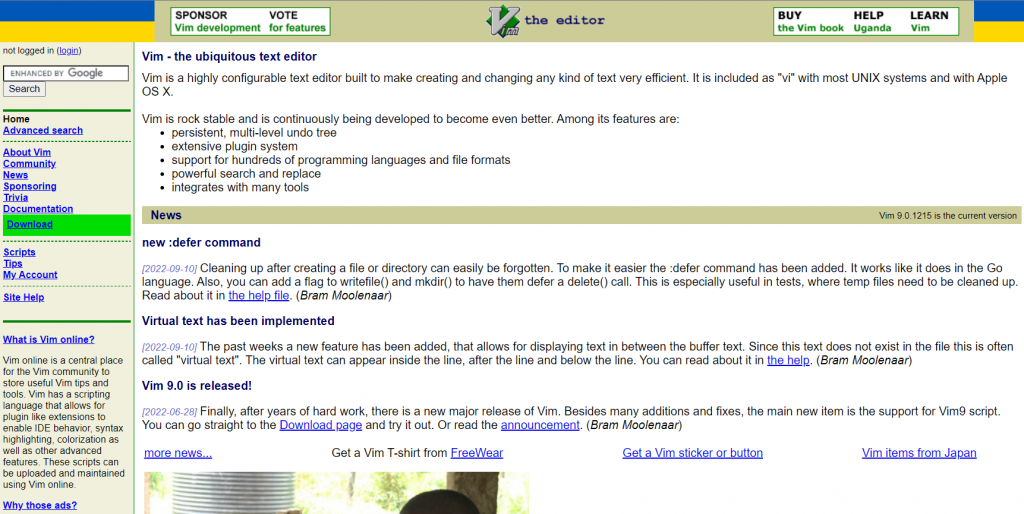
Vim is a highly configurable, command-line code editor that has been around for many years. It is known for its efficiency and powerful capabilities, making it a favorite among experienced developers. It supports multiple languages and has various features, such as code highlighting, autocomplete, and built-in debugging tools. It is available for Windows, macOS, and Linux. Vim is known for its steep learning curve, requiring users to learn commands to navigate and edit text efficiently.
However, once mastered, it can greatly increase productivity. You can find more information on their website: http://www.vim.org/
Vim is a great choice for experienced developers looking for a highly configurable, command-line code editor that can greatly increase productivity. Here you can read all the best features of Vim Code Editor.
- Highly configurable: Vim is highly customizable, allowing you to adjust the editor to fit your specific needs and workflow.
- Command-line interface: Vim operates through a command-line interface, which can increase efficiency for experienced users.
- Built-in macros: Allows you to record and replay sequences of actions, which can save a lot of time editing code.
- Multi-language support: Can handle multiple languages, including HTML, CSS, JavaScript, PHP, and more.
- Persistent undo: Allows you to undo changes even after saving the file, making it easy to recover from mistakes.
Note that this is some of the most popular features, but VIM has many other useful features, such as syntax highlighting, code folding, and integrated help. It’s a power tool for experienced developers looking for a high-performance code editor.
Conclusion
In conclusion, the choice of a code editor is essential for developers to improve efficiency and productivity. The five editors discussed – Sublime Text, Atom, Visual Studio Code, Notepad++, and Vim – offer diverse features and benefits to cater to various needs. Whether you prioritize customization, integrated debugging, or a command-line interface, there is a suitable option for every developer. To find the perfect fit, consider your coding requirements and explore these popular code editors.
If your favourite code editor is not mentioned and you would like us to add it to the list, Let us know about your favourite code editor in the comment section given below.