
GICT knowledge base
To turn off new user registrations in WordPress
Published
1. **Login to your WordPress Dashboard**: Enter your administrator username and password to access the admin area.
2. **Go to the Settings section**: In the left-hand sidebar, hover over “Settings” and click on “General” when the submenu appears. Scroll down until you see the “Membership” section.
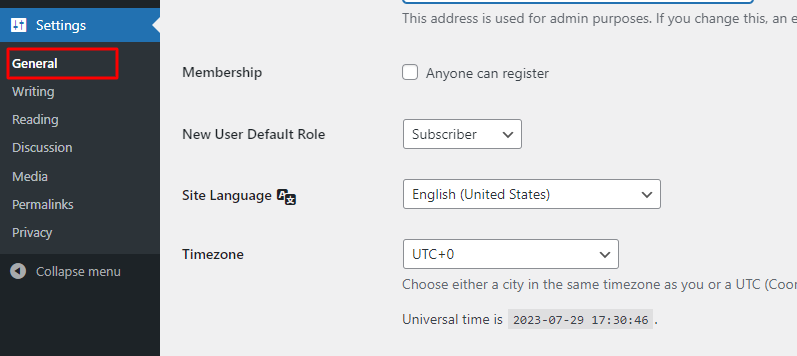
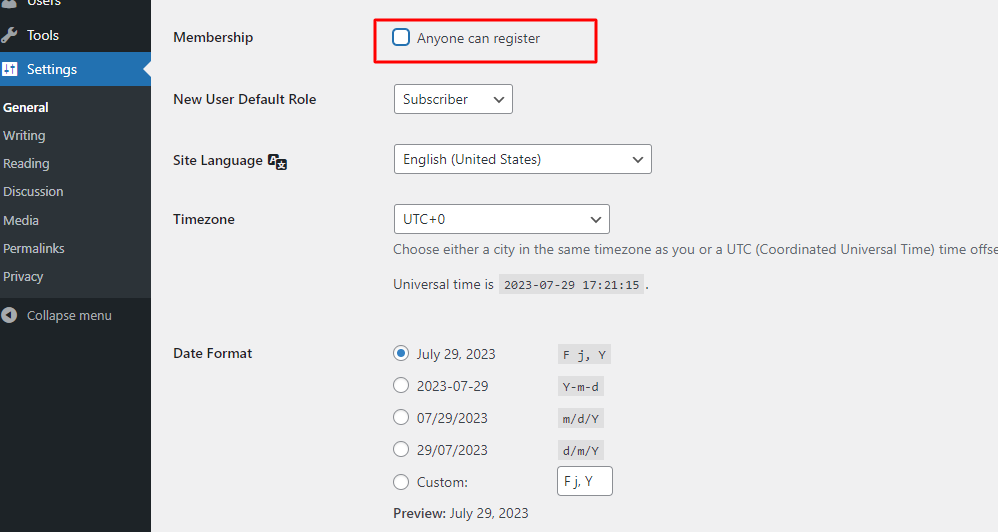
3. **Uncheck the “Anyone can register” option**: By default, WordPress allows anyone to register on your site. To disable this, simply uncheck the box next to “Anyone can register.”
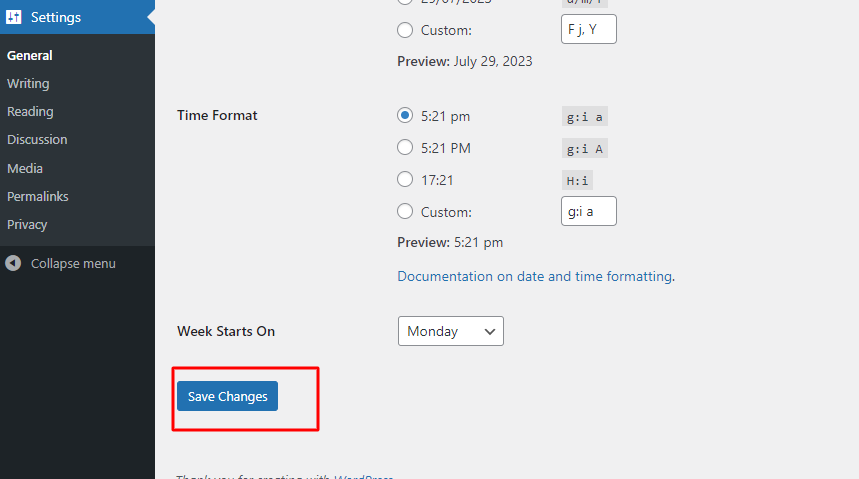
4. **Save Changes**: Scroll to the bottom of the page and click on the “Save Changes” button to save your settings.
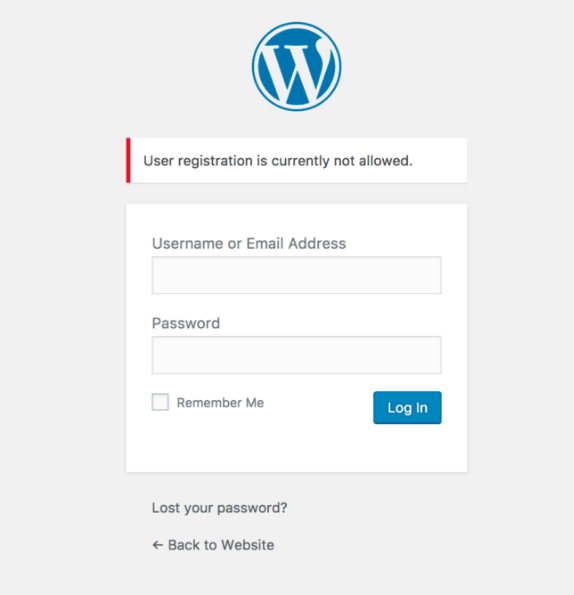
5. After following these steps, your WordPress website will no longer allow new user registrations. Existing users will still be able to log in, but new users won’t have the option to register themselves. If you ever need to enable registrations again, just go back to the same settings page and check the “Anyone can register” box again.
If you have got any questions please feel free to contact us.