
GICT knowledge base
How to setup Wireguard VPN on VPS
Published
Login to the server via SSH:

Run the following command:
wget https://git.io/wireguard -O wireguard-install.sh && bash wireguard-install.sh
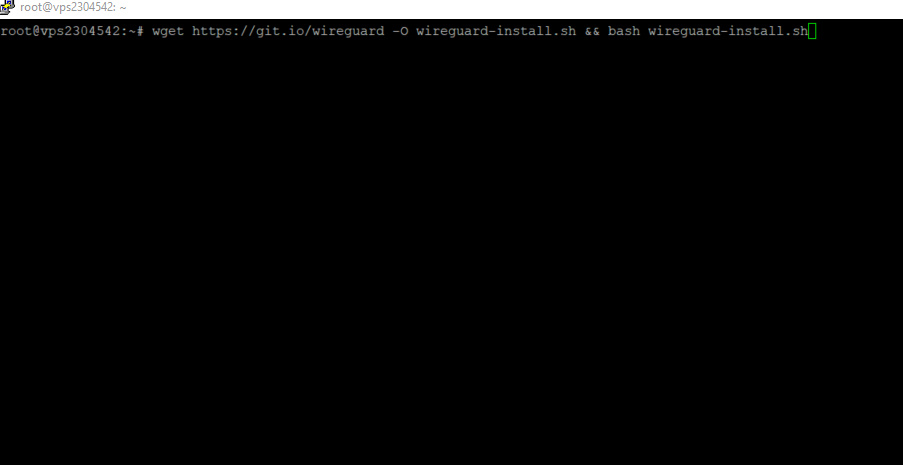
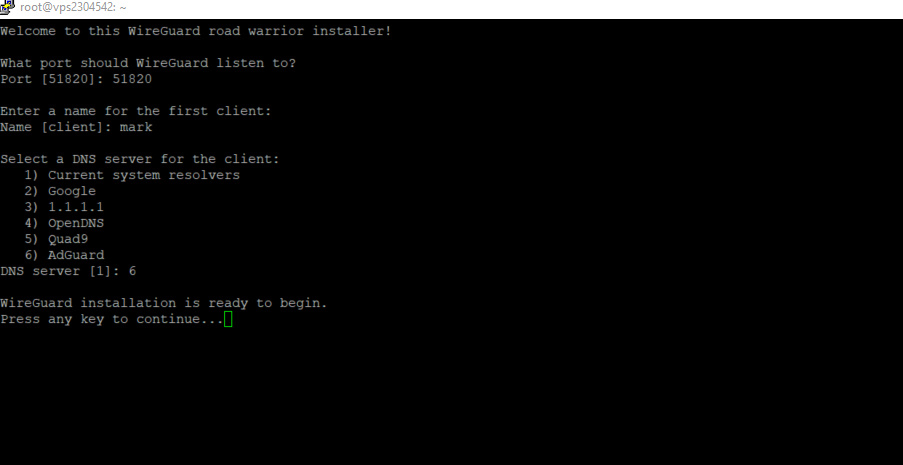
Once you run the command it will ask for the port. The default port can be left blank or enter 51820 and hit enter.

Now enter the client name as per your preference and hit enter.

Now it will display the DNS server list for the client. I have selected AdGuard, type the number, and hit enter. And Press any key to continue.
Once the installation is complete you will see the QR code which can be used to configure the VPN configuration on an iPhone or Android. The configuration file is located under the /root with the client name as mark.conf. The path will be /root/mark.conf

Download the .conf file to your local system:
Run terminal window on your local system and type in the following:
scp [email protected]:mark.conf /Users/admin/desktop
It will connect to your VPS and ask it to transfer mark.conf to your local /Users/admin/desktop folder. The transfer will be successful.
Or you can use the SFTP method to connect to the server using any FTP client and download the file to your local system.
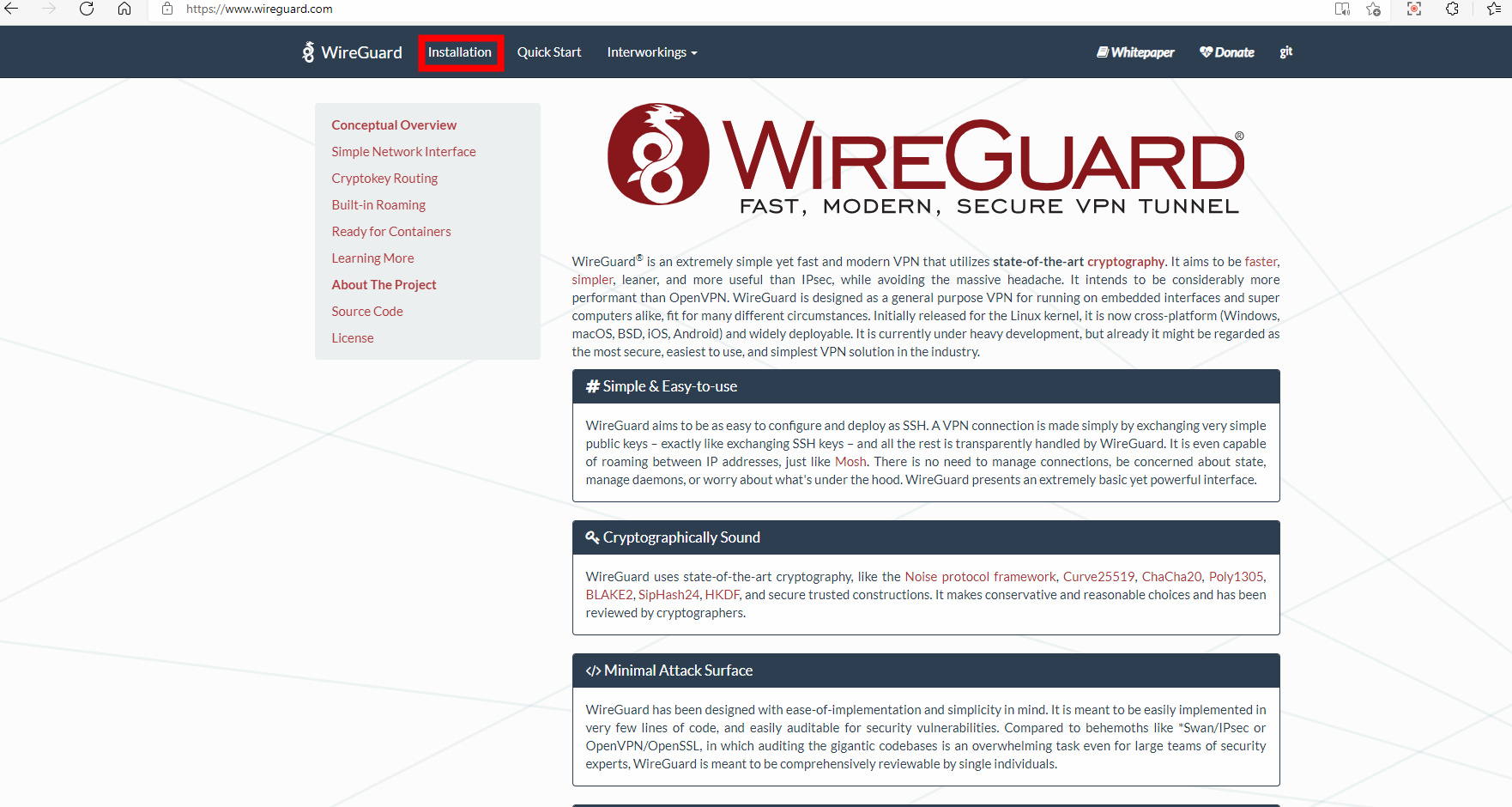
Now download the WireGuard application from WireGuard.com. Click on Installation.
Select the installation type depending on your Computer OS.
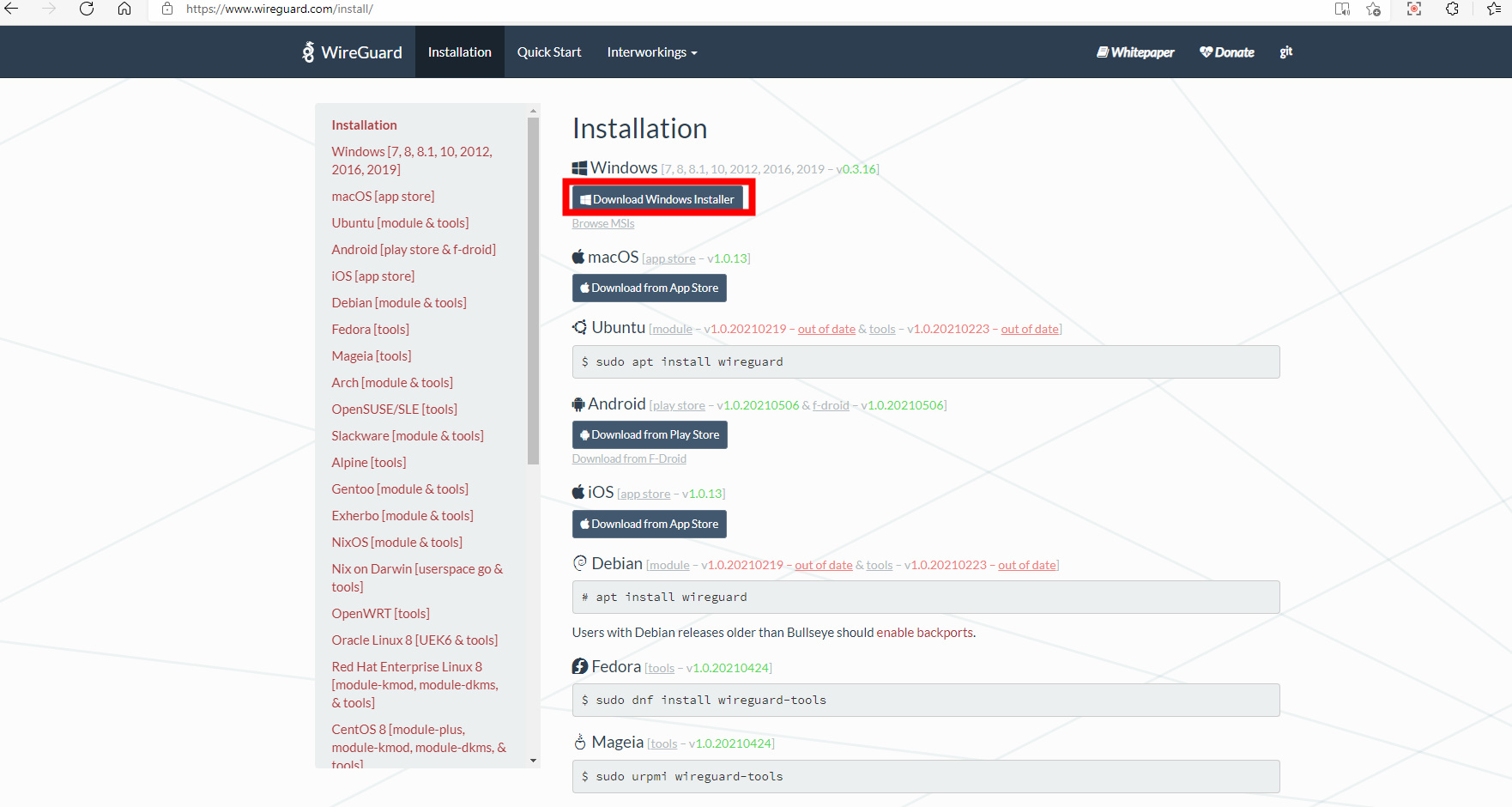
Now install the application and let it install.

Now open the WireGuard application and click on Import tunnel(s) from the file.

Now select the .conf file and click on Open.

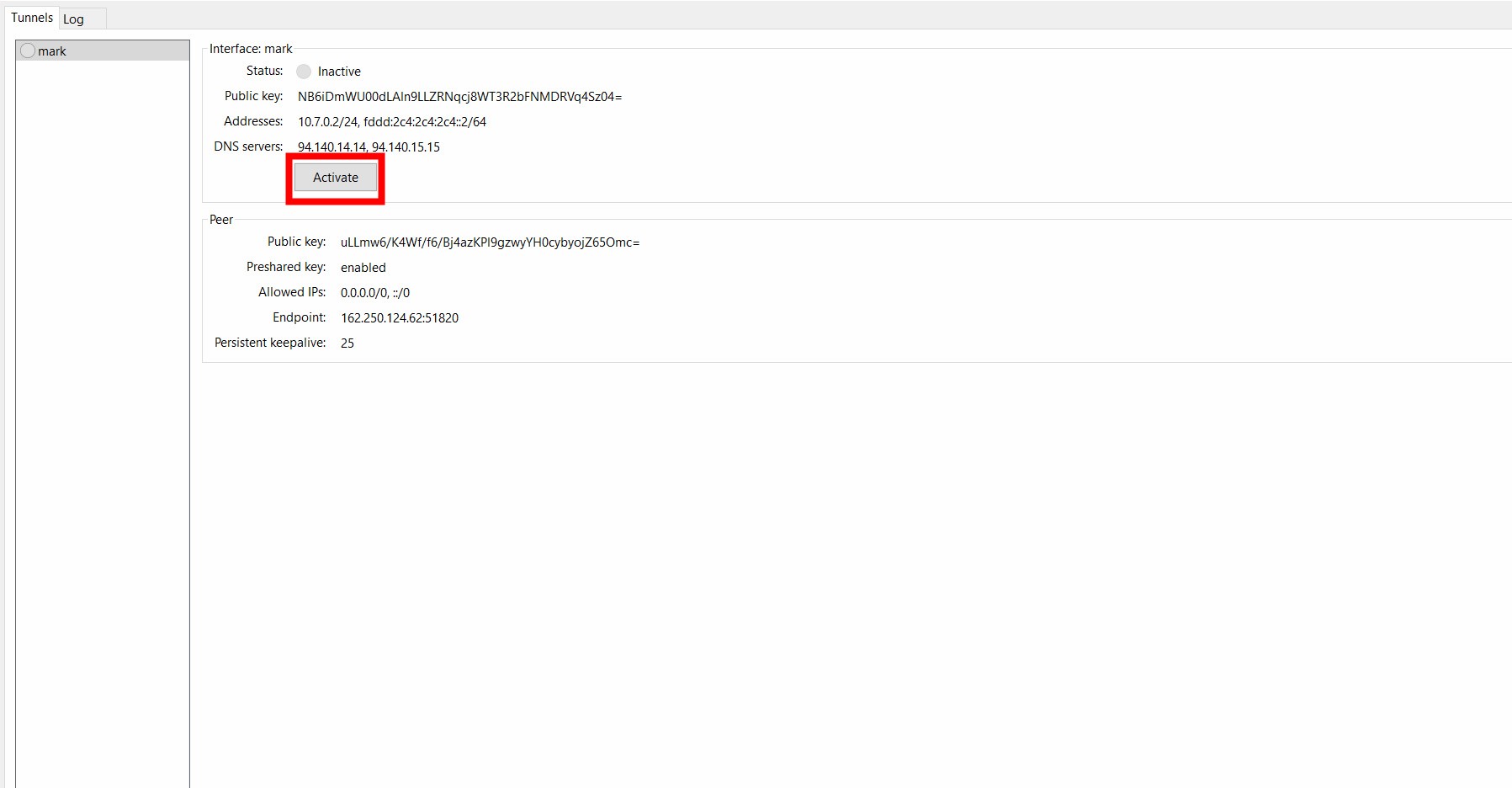
Here click on the Active button and allow it few seconds to connect.
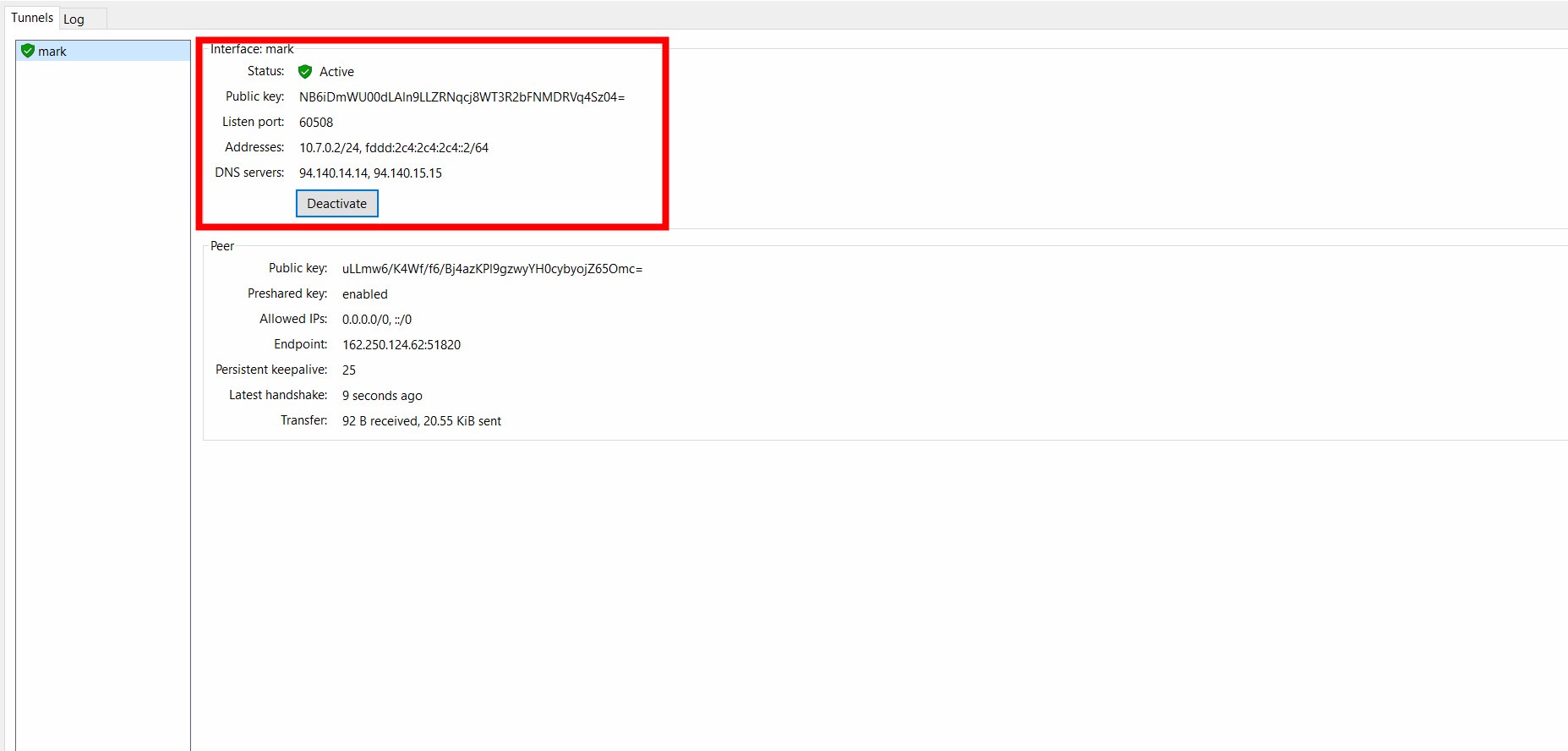
Here you can see the status as Active. That means VPN is active and connected with the server.
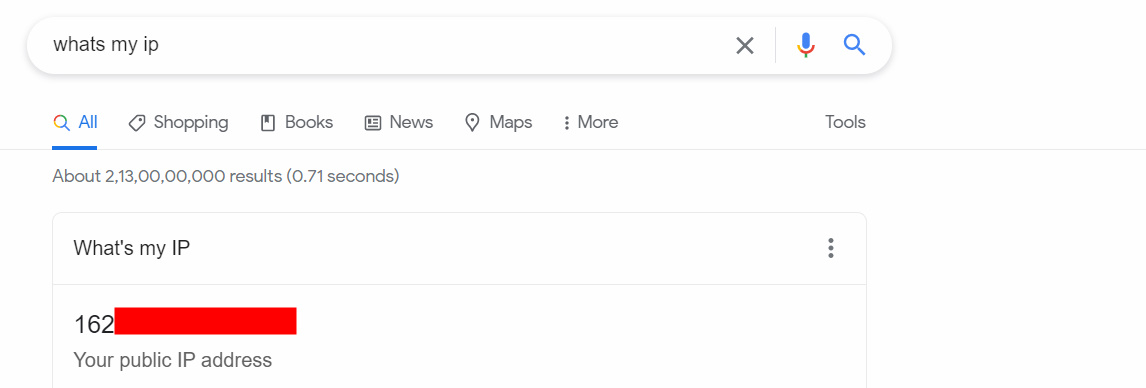
You can verify this by typing whats my IP in your browser and it should show the VPS associated IP.
If you have got any questions please feel free to contact us. Will be happy to help you.
Related guides
How to Set Up Your Own WireGuard VPN Server
With Wireguard, You can set up your own VPN server for a dedicated IP address. Follow this step-by-step guide to set up Wireguard VPN on Ubuntu.
VPNSetting Up PPTP Server in Linux ( Ubuntu/CentOS )
Setting Up PPTP Server in Linux ( Ubuntu/CentOS ) The point to point Tunneling protocol is a method for implementing virtual private networks(VPN).
VPNWhat is TUN/TAP? How to enable it in OpenVZ?
TUN/TAP is used to provide packet reception and transmission for user space programs.
VPNEverything about Virtual Private Network (VPN)
You would have been heard at least once the term VPN. The VPN stands for Virtual Private Network. We can see about VPNs in detail here. As we know, VPNs