
GICT knowledge base
How to install DirectAdmin on VPS
Published
Please make sure the Operating System is set to CentOS 8 64-bit.
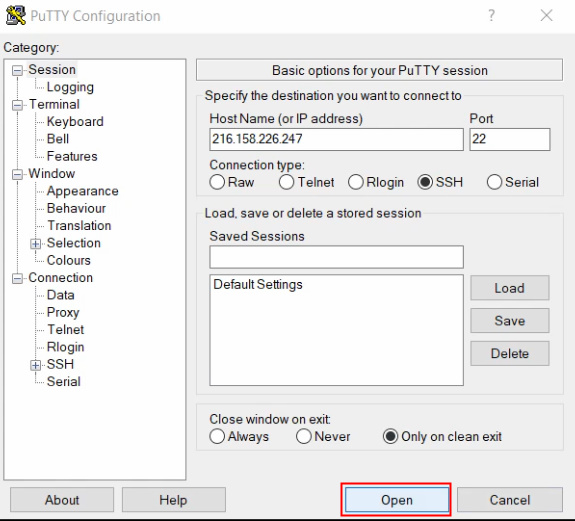
1)Connect through SSH using the server IP of your VPS
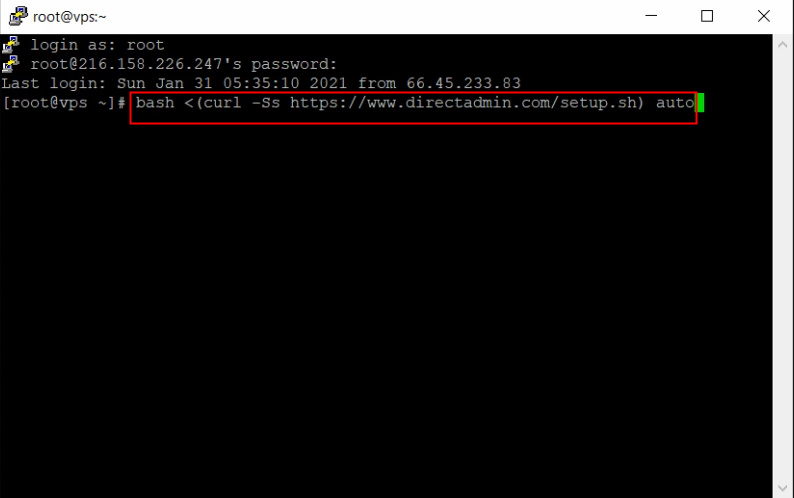
2)Enter the VPS root user and password and run the command: bash <(curl -Ss https://www.directadmin.com/setup.sh) auto
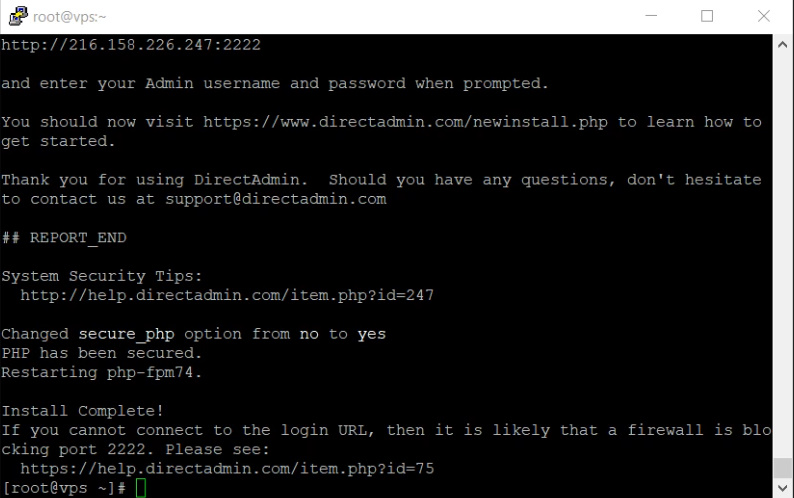
3) Now installation of Directadmin has been completed.
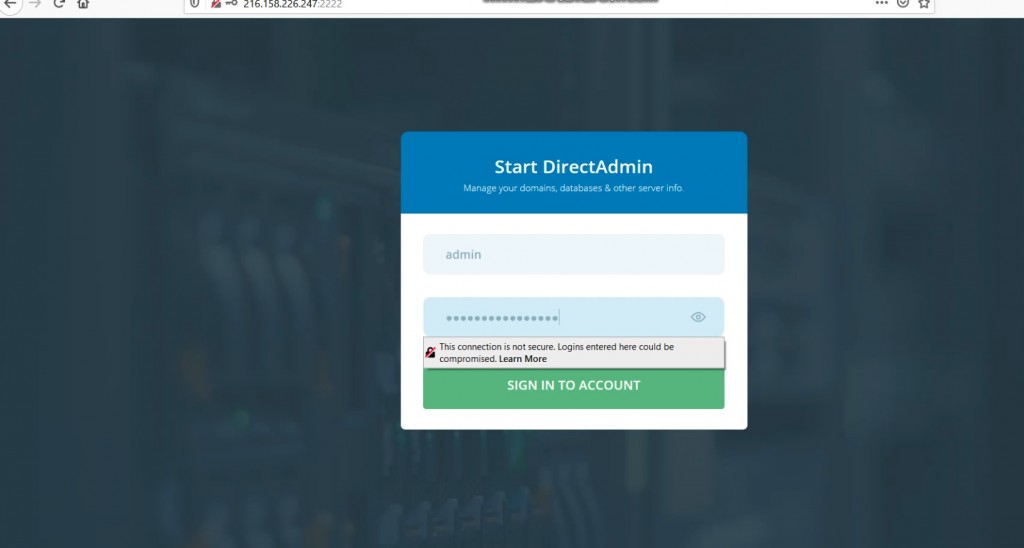
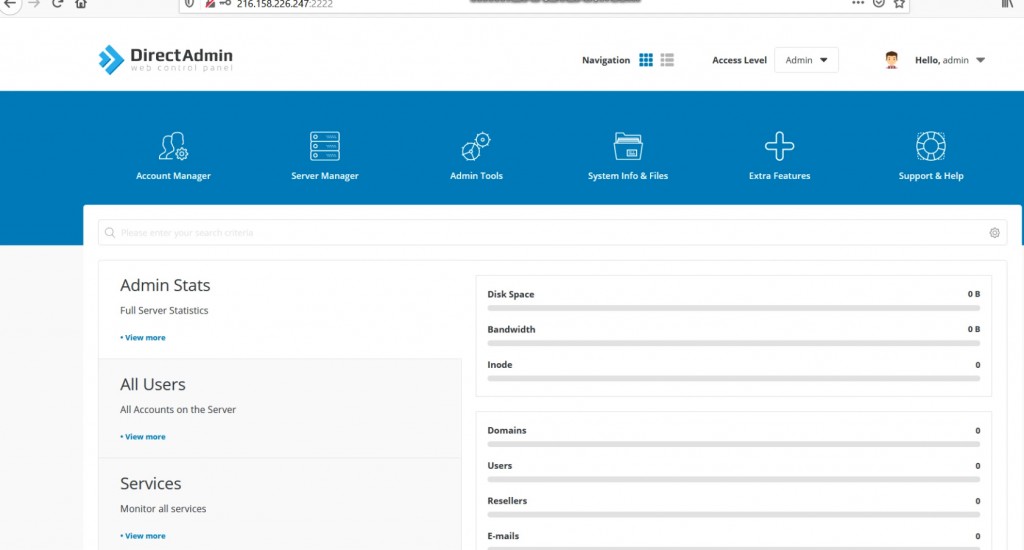
4)Now you can login to the Directadmin with username and password.
If you need any further help please do reach our support department.