GICT knowledge base
How to block country in DirectAdmin hosting
Published
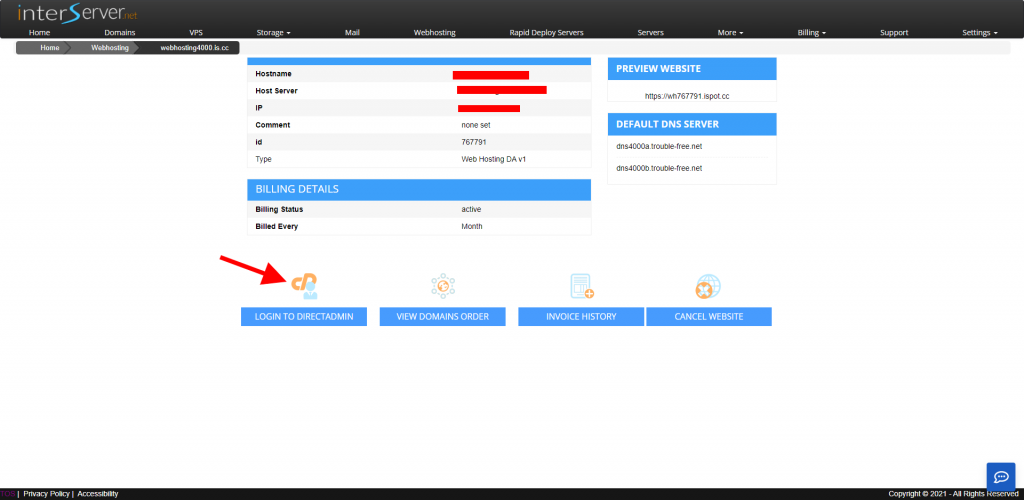
1) log in to the DirectAdmin Control Panel.
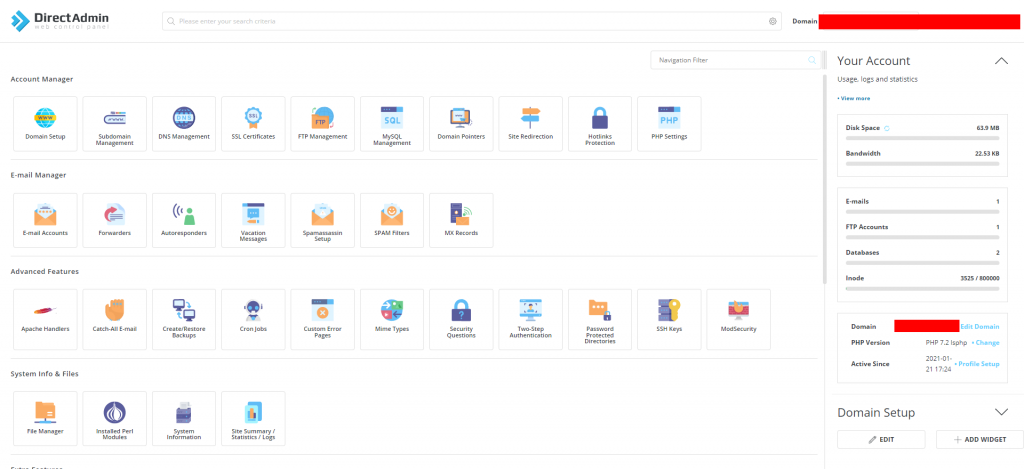
2) Got to file manager >> locate .htaccess file (/home/domainname/public_html/.htaccess)
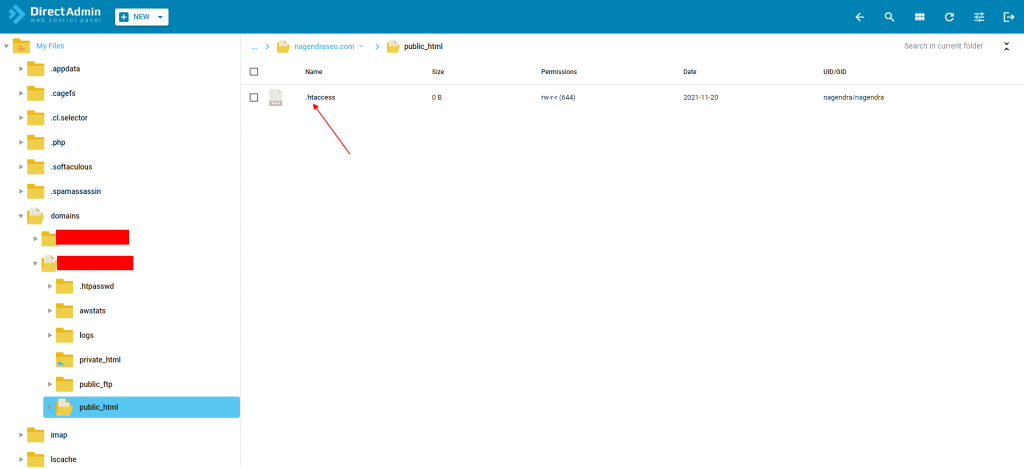
3. Now right click on the .htaccess file and select Edit in the new tab. And then add the below-given code, click on the Save file icon.
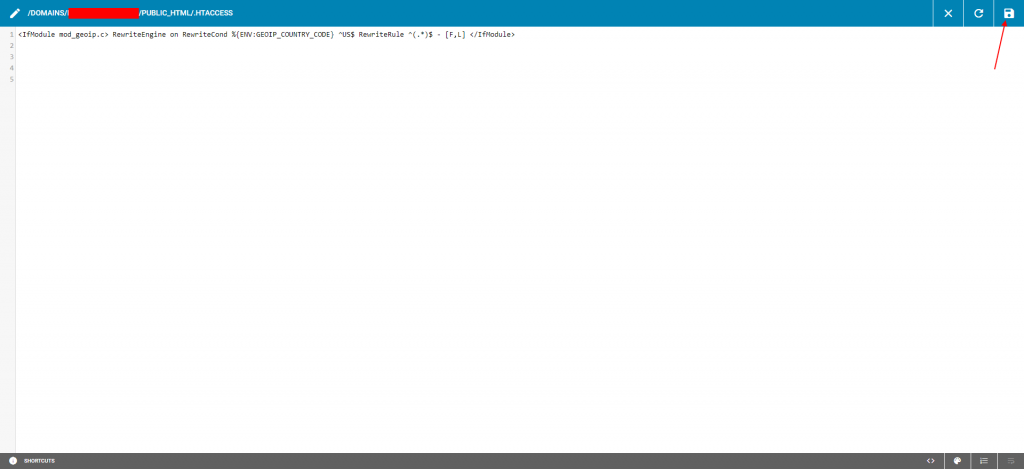
<IfModule mod_geoip.c> RewriteEngine on RewriteCond %{ENV:GEOIP_COUNTRY_CODE} ^US$ RewriteRule ^(.*)$ – [F,L] </IfModule>
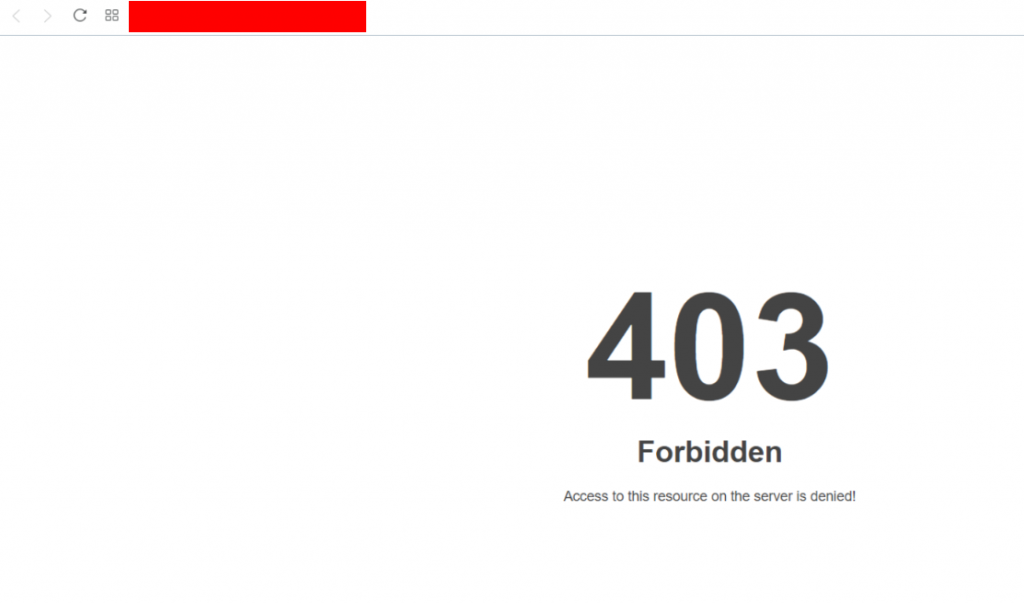
Country code is used as “US”. This means the website can be only accessed from the US. Anyone accessing the website apart from the US will get a Forbidden error.
4. Result.