
GICT knowledge base
How to adjust php settings in DirectAdmin
Published
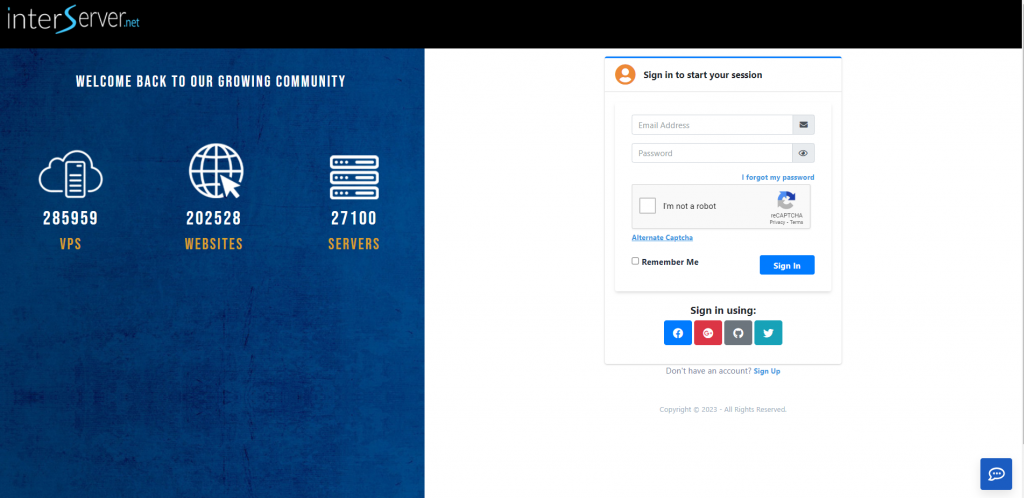
1. Login to https://my.GICTServer.net/
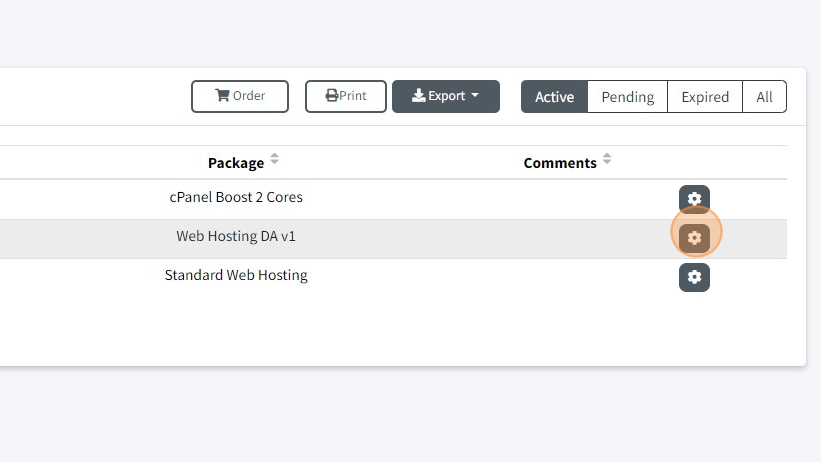
2. Click on the Gear icon.
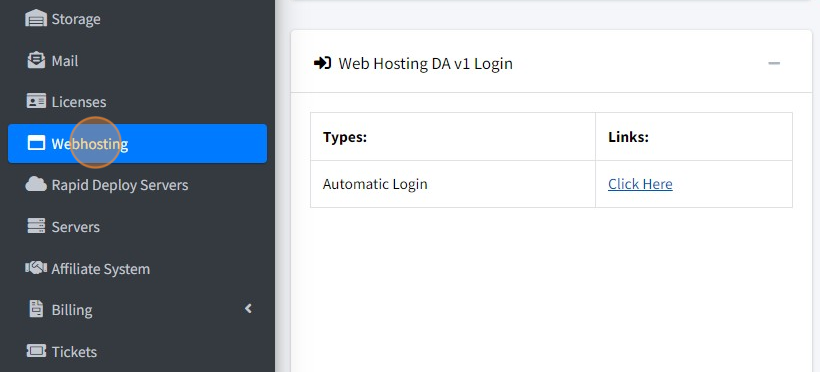
3. Click on click here to log in to the DirectAdmin
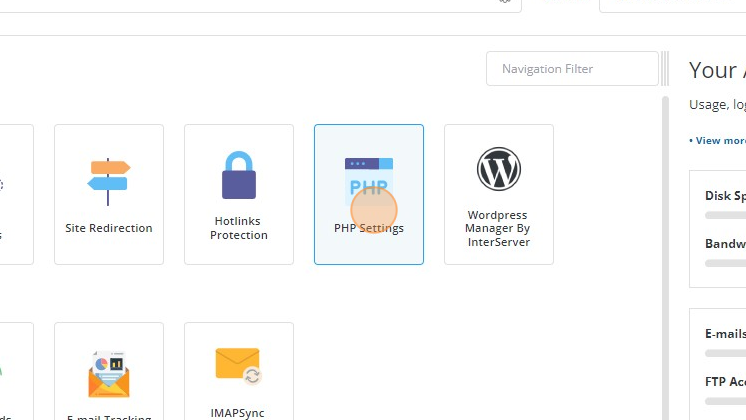
4. Navigate to Account Manager → PHP Settings.
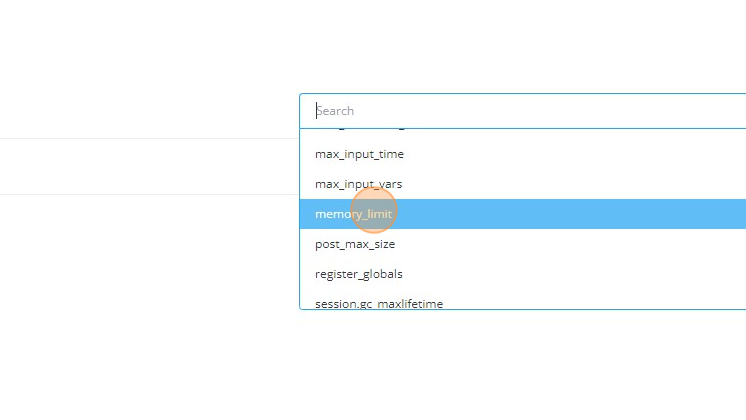
5. In the Setting option, you have a dropdown with many configurable options. For example, if you want to configure the memory_limit; select the memory_limit from the scrollable Setting option.
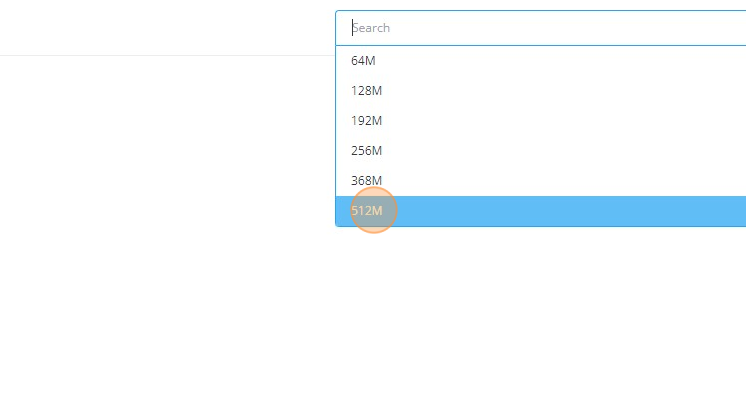
6. Enter the value for the selected Setting. For the example above, we have selected memory_limit. By default, the memory_limit comes with pre-defined values (64M, 128M, etc.), but also you can enter the custom value as per the requirements.
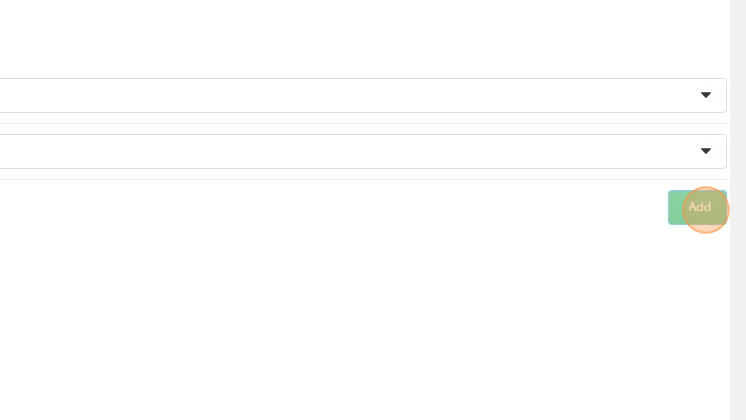
7. Click on Add.
The PHP Settings allow you to configure and manage various aspects of your PHP environment. These settings include:
display_errors: Controls whether PHP should display error messages.error_reporting: Determines the level of error reporting. It specifies which types of errors should be reported.file_uploads: Enables or disables the ability to upload files through PHP.include_path: Defines the directories to search for included files.log_errors: Determines whether PHP should log errors to a file.mail.force_extra_parameters: Specifies additional parameters to be passed to the mail() function.max_execution_time: Sets the maximum execution time for a PHP script.max_input_time: Defines the maximum time PHP should spend parsing input data.max_input_vars: Specifies the maximum number of input variables PHP should accept.memory_limit: Sets the maximum amount of memory a PHP script can allocate.post_max_size: Specifies the maximum size of POST data that PHP can handle.register_globals: Enables or disables the use of register_globals, which can pose security risks.session.gc_maxlifetime: Defines the maximum lifetime of a session in seconds.short_open_tag: Allows the use of short PHP tags (<? ?>) instead of full PHP tags (<?php ?>).upload_max_filesize: Sets the maximum size of uploaded files.zlib.output_compression: Enables or disables output compression using zlib.
These settings can be adjusted in your PHP configuration file (php.ini) or using runtime functions in your PHP code to control the behavior and performance of your PHP applications.
If you have got any questions please feel free to contact us.