
GICT knowledge base
Download and Install installatron : DirectAdmin
Published
1)Connect through SSH using the server IP of your VPS
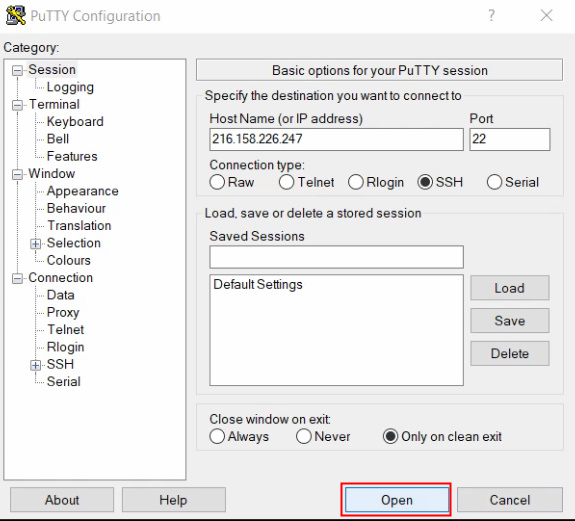
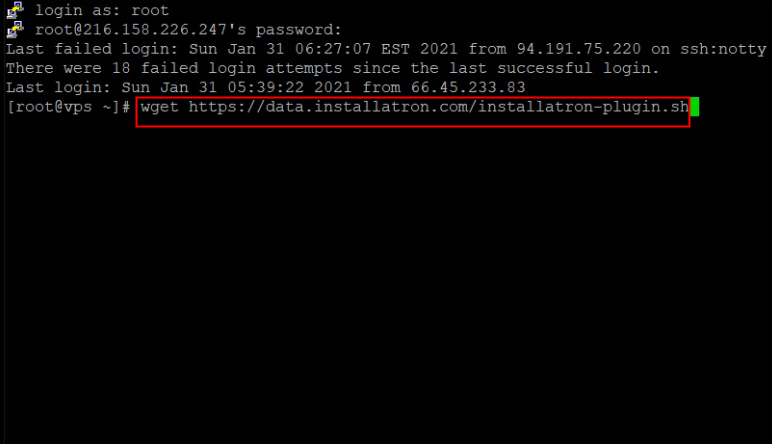
2)Enter the VPS root user and password and run the command:
wget https://data.installatron.com/installatron-plugin.sh
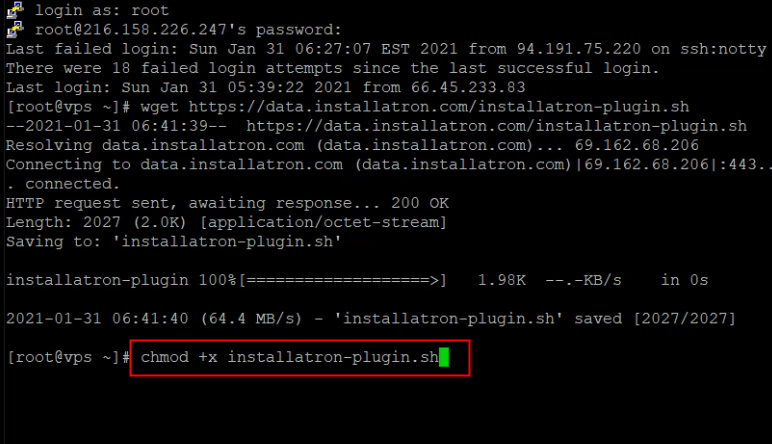
3)chmod +x installatron-plugin.sh
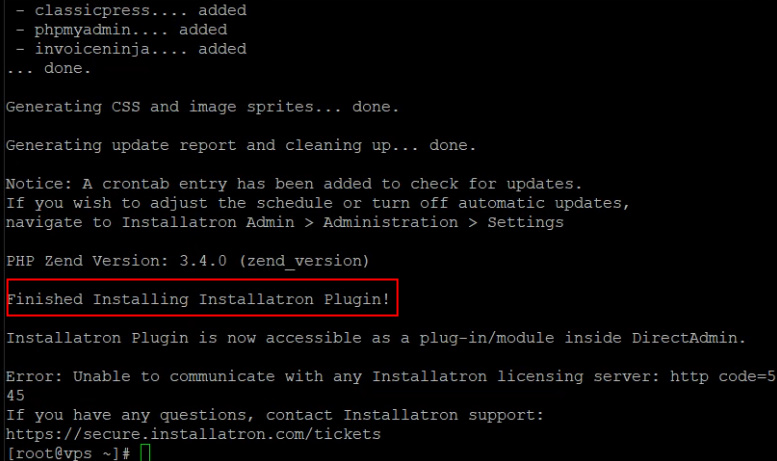
4)./installatron-plugin.sh -f
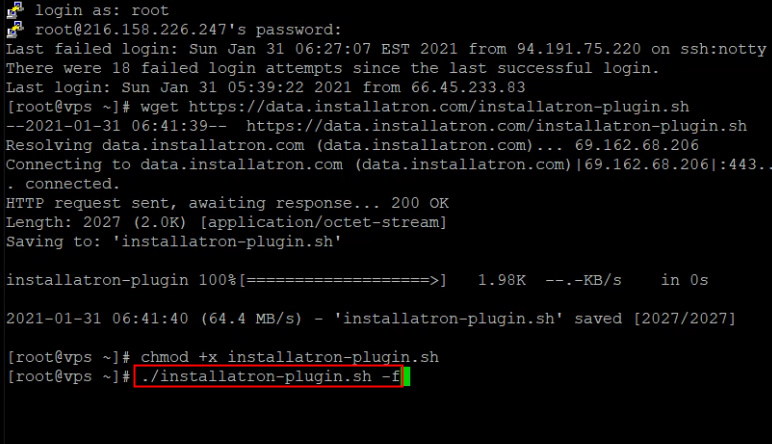
5)Installation of Installatron is completed now.
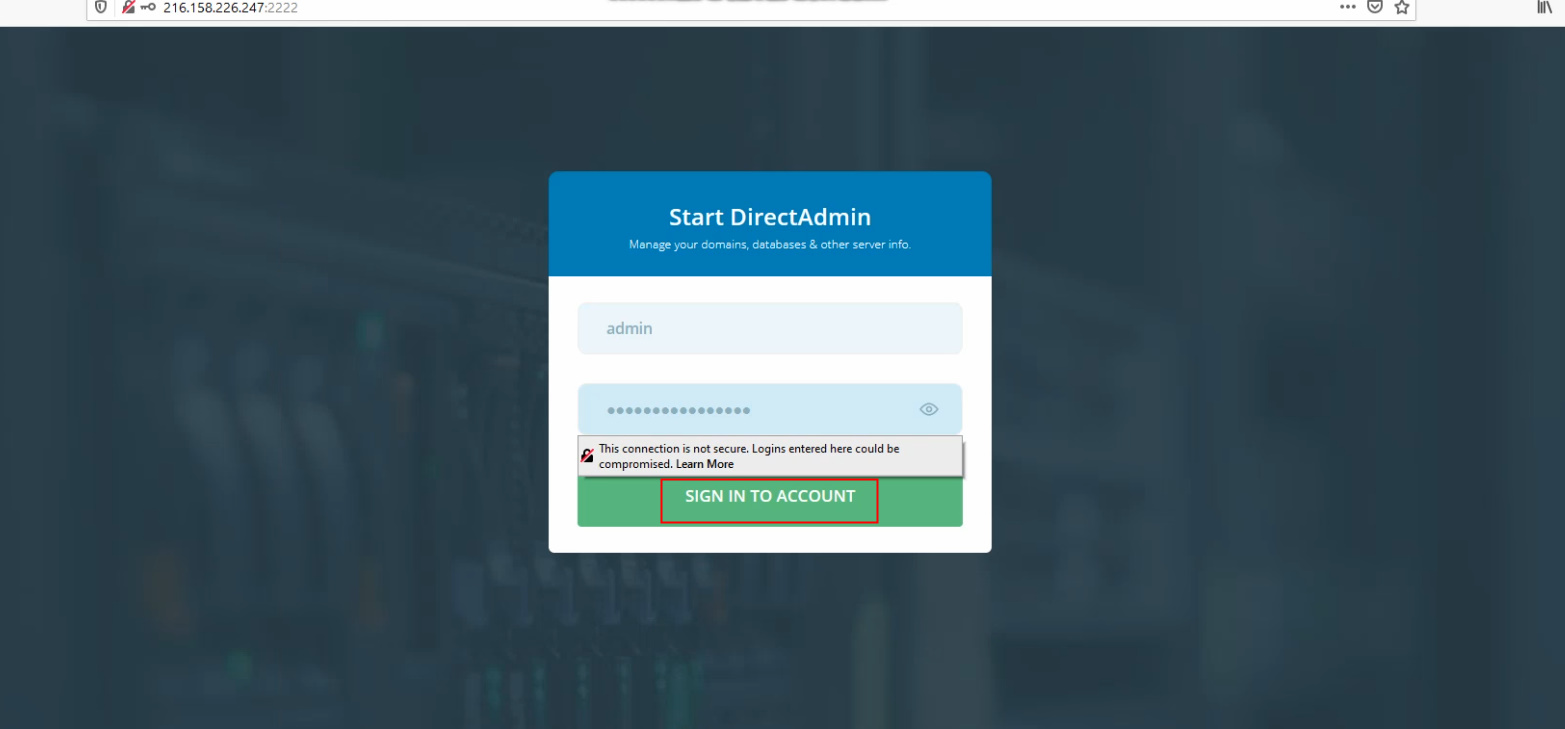
6)Now login to your directadmin panel user the username and password.
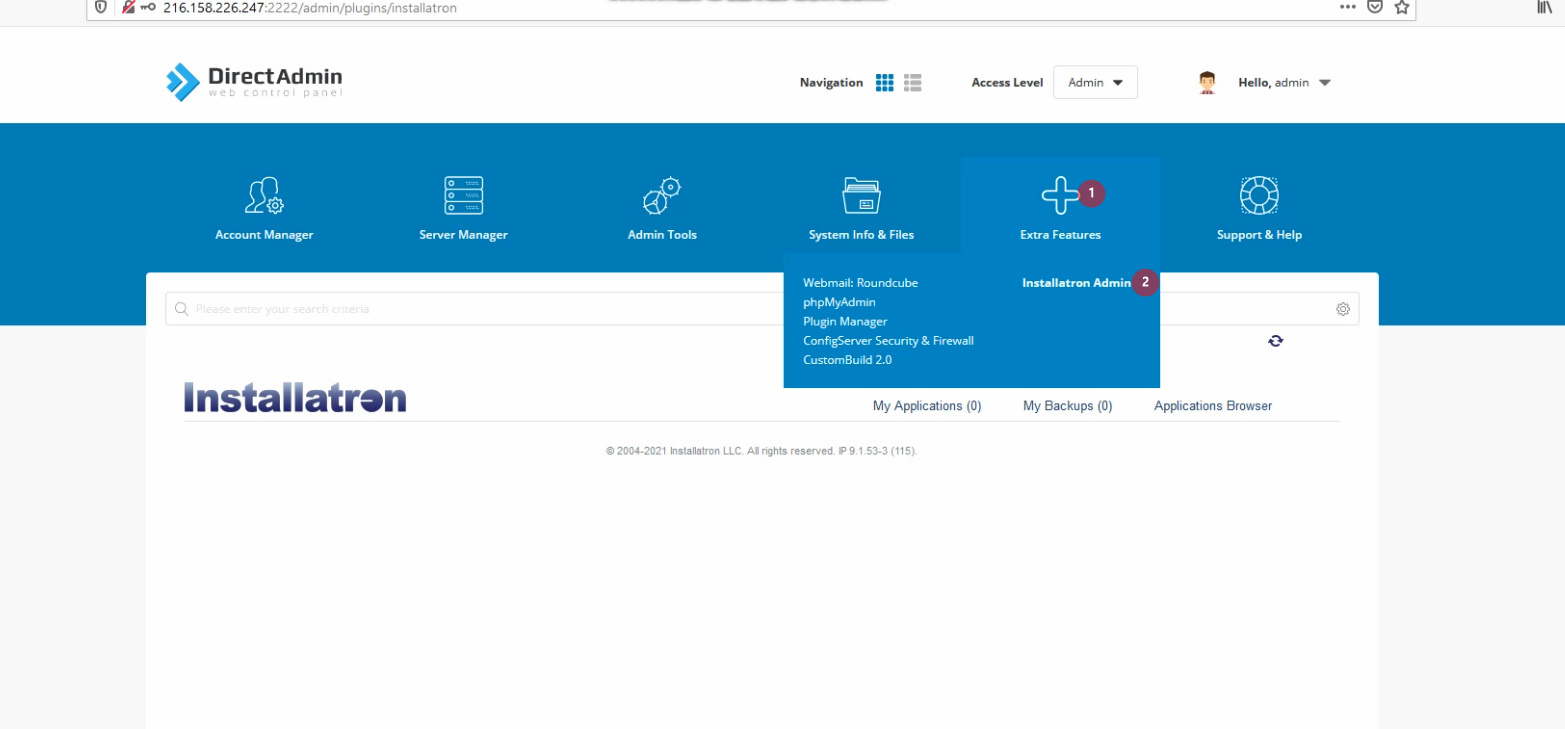
7)Click on Extra Features >> Installatron and click on it.
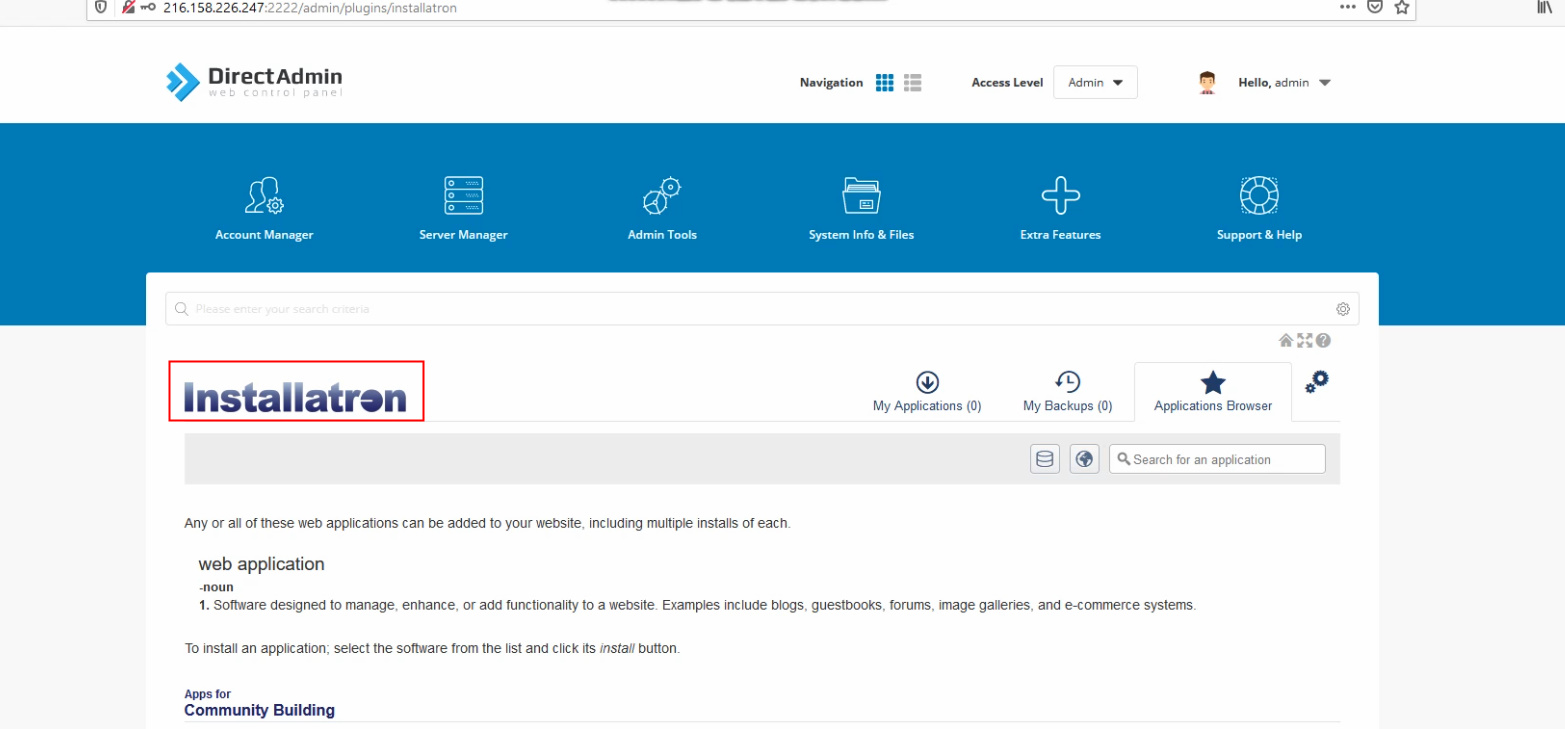
8)From here you can install all the CMS application which works same like Softacolous.
You can also check for the video tutorial here: Download and Install installatron : DirectAdmin – YouTube
If you need any further help please do reach our support department.