
GICT knowledge base
9 Best Linux Distros in 2025
Published
Want to try Linux but confused about which one to pick? You’re not alone. There are tons of Linux versions out there. Let me help you choose the right one without all the tech talk.
Why People Switch to Linux
Linux costs nothing. Zero. No buying expensive Windows licenses or Mac computers. Your old laptop runs faster on Linux. Plus, you don’t get viruses like on Windows.
The best part? You control everything. No forced updates at midnight. No ads in your start menu. No Microsoft watching what you do.
What Makes Linux Different
Linux comes in different flavors called distributions or “distros.” Think of it like ice cream – vanilla, chocolate, strawberry. Same base but different tastes. Some are easy for beginners. Others need computer skills.
The 9 Best Linux Choices Right Now
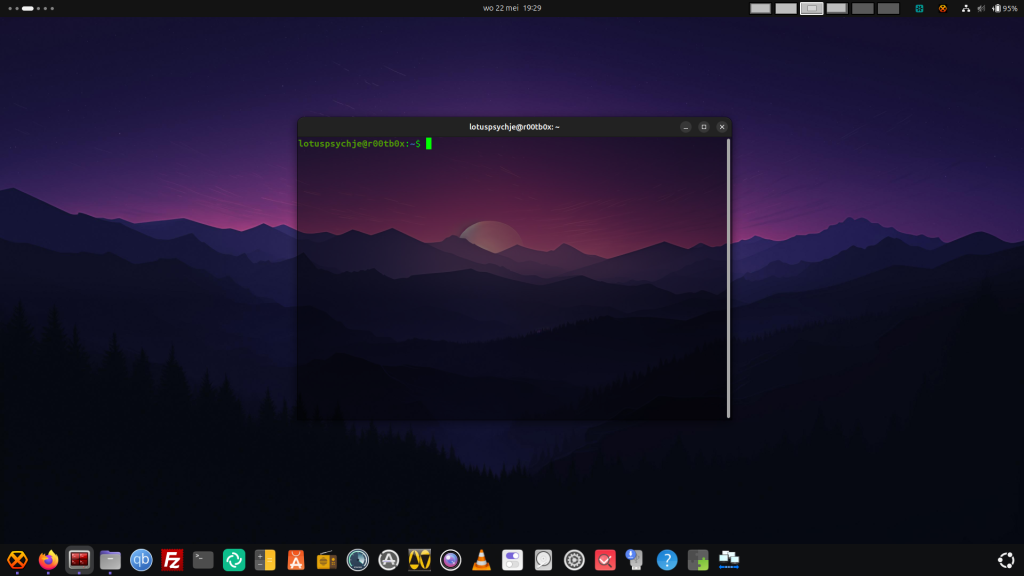
1. Ubuntu – Start Here If You’re New
Ubuntu is like the Honda Civic of Linux. Reliable, popular, and just works. Made by a company called Canonical. They update it twice a year but you don’t have to upgrade often.
Why Ubuntu rocks:
- Installs easily on most computers
- Looks clean and modern
- Huge community helps when stuck
- Tons of software available
- Perfect for daily computer stuff
Ubuntu has an app store like your phone. Click to install programs. No hunting around websites for downloads. Most online guides use Ubuntu so finding help is easy.
Try Ubuntu if you have never used Linux before or want something that just works.
2. Linux Mint – Perfect Windows Replacement
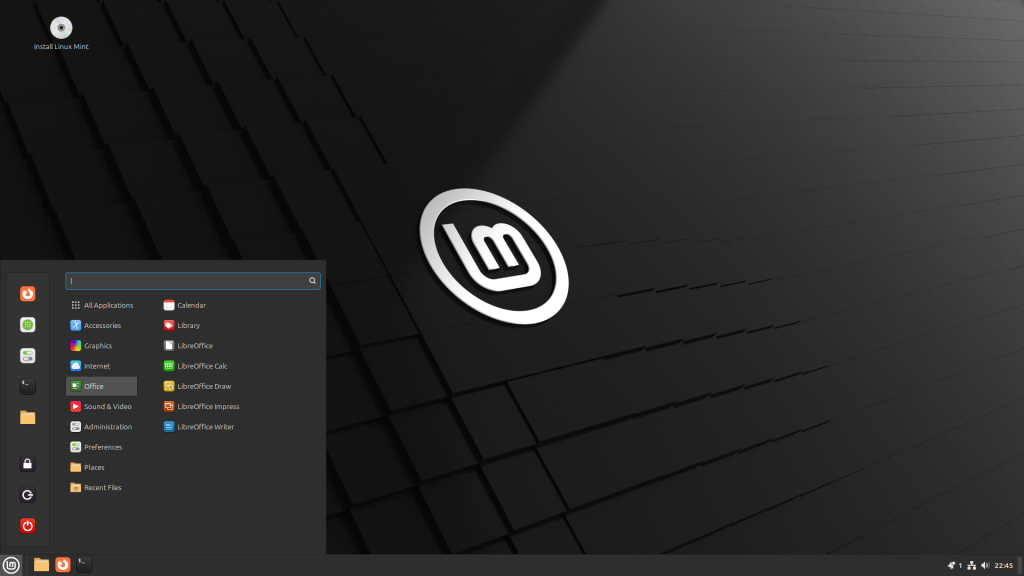
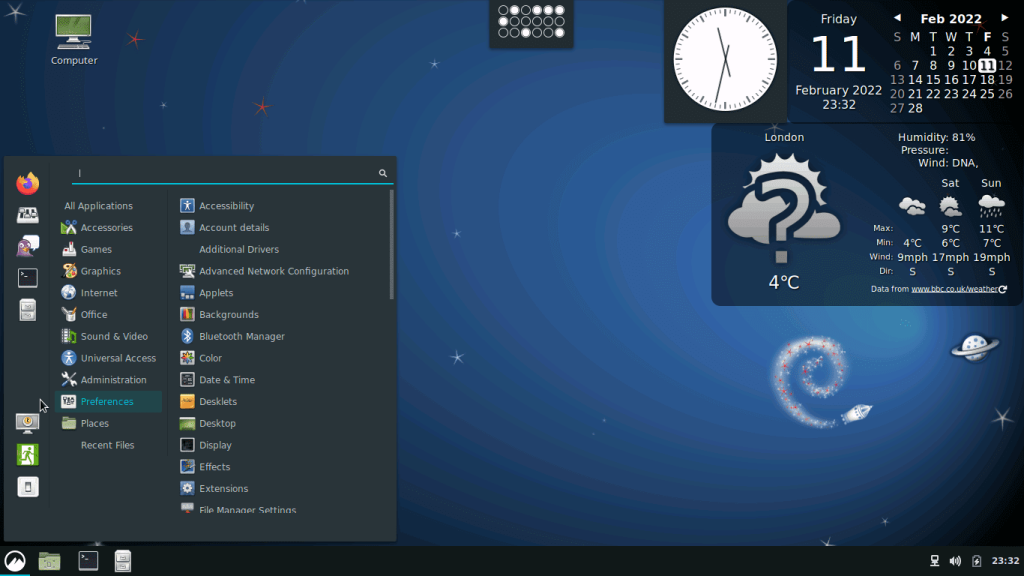
Mint takes Ubuntu and makes it look like Windows. Same taskbar at bottom. Same start menu. Your Windows habits still work here.
Why Mint is great:
- Feels familiar to Windows users
- Plays music and videos right away
- Works great on older computers
- Super stable and reliable
- No weird surprises
My colleague switched from Windows to Mint last year. She hasn’t called me once for computer help. That says everything about how easy Mint is.
Try Mint if you’re escaping Windows or have an older computer.
3. Pop!_OS – The Gamer’s Dream
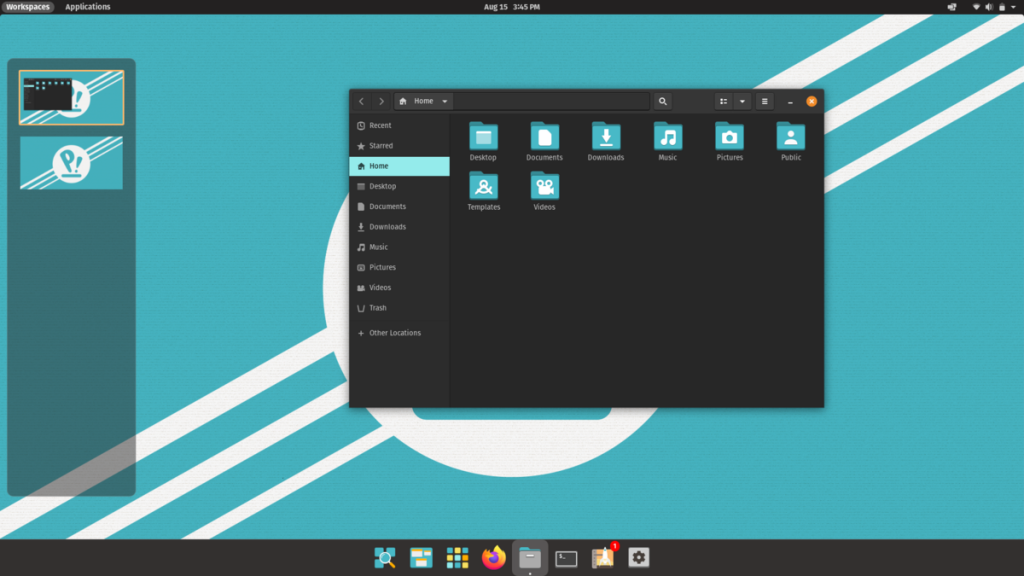
System76 makes computers and created Pop!_OS to show what Linux can do. This thing flies and handles games like a champ.
Why gamers love it:
- Graphics cards work automatically
- Steam gaming works perfectly
- Clean, fast interface
- Good for programming too
- Looks modern and stylish
Gaming on Linux used to stink. Pop!_OS changed that. It fixes graphics drivers during install – the hard part that scares people away.
Try Pop!_OS if you play games or write computer code.
4. Fedora – For People Who Like New Stuff
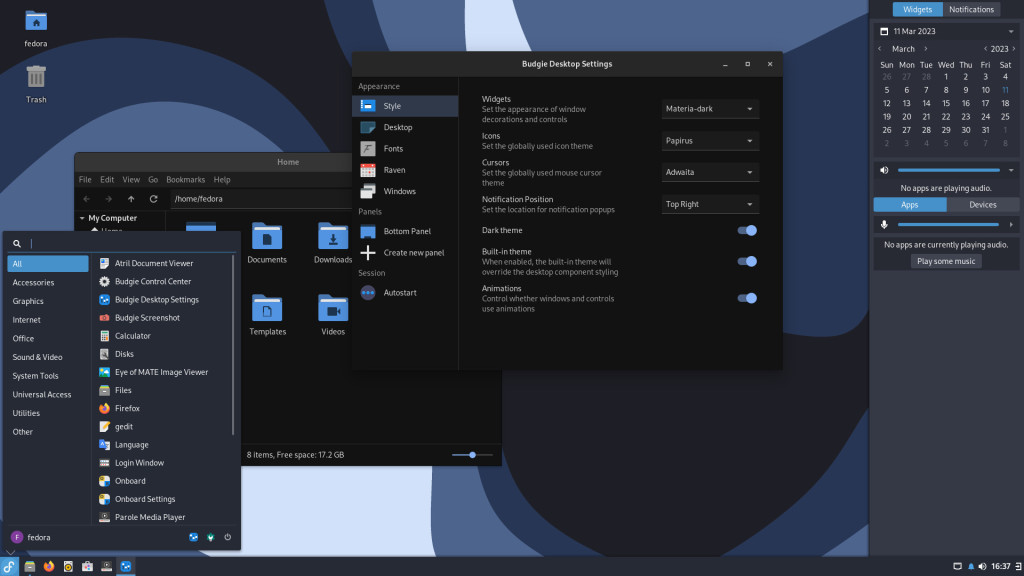
Fedora gets new Linux features first. It’s like having a crystal ball for where Linux is going. Backed by Red Hat, a big tech company.
Why tech people choose Fedora:
- Latest and greatest everything
- Strong security built-in
- Great for developers
- Professional quality
- Updates every six months
The catch? You need to upgrade regularly. Fedora doesn’t baby you. But if you love new technology, it’s perfect.
Try Fedora if you enjoy trying new features and don’t mind updates.
5. Debian – The Rock Solid Choice
Debian is the grandfather of Linux distros. Ubuntu comes from Debian. Hundreds of other Linux versions do too. It’s old, stable, and boring in the best way.
Why servers love Debian:
- Never crashes or breaks
- Runs for years without problems
- Huge software collection
- Works on almost any computer
- Security updates for ages
Software might be older but everything works. I have a Debian server that’s been running for three years. Never touched it once.
Try Debian if you need something bulletproof or want to learn “real” Linux.
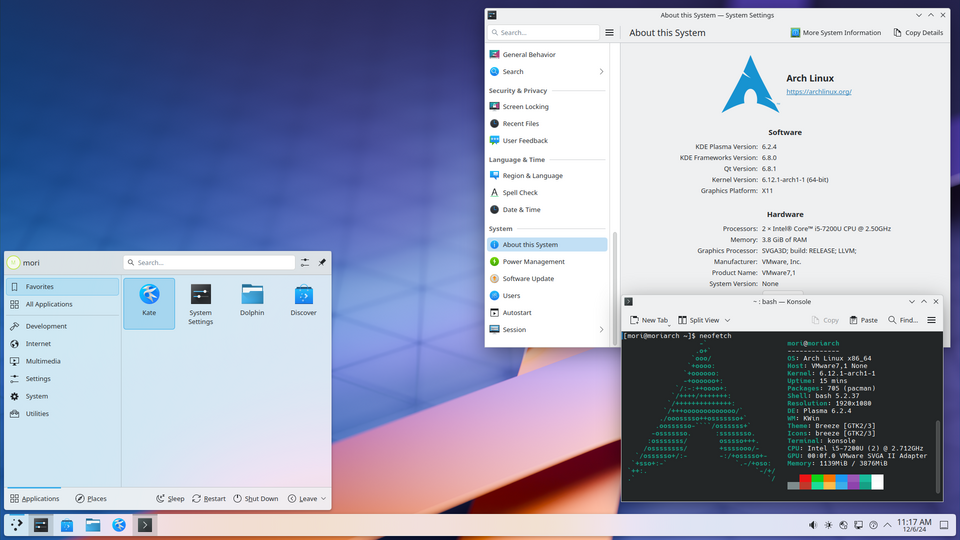
6. Arch Linux – The Expert’s Playground
Arch Linux is not for normal people. You build everything from scratch. Nothing gets installed unless you specifically want it.
Why experts choose Arch:
- Complete control over everything
- Always newest software
- Learn how Linux really works
- Lightweight and fast
- Amazing documentation
Installing Arch takes hours and lots of reading. But you end up with a system that’s exactly what you want. The Arch Wiki teaches you more about Linux than any book.
Try Arch only if you love computers and have tons of patience.
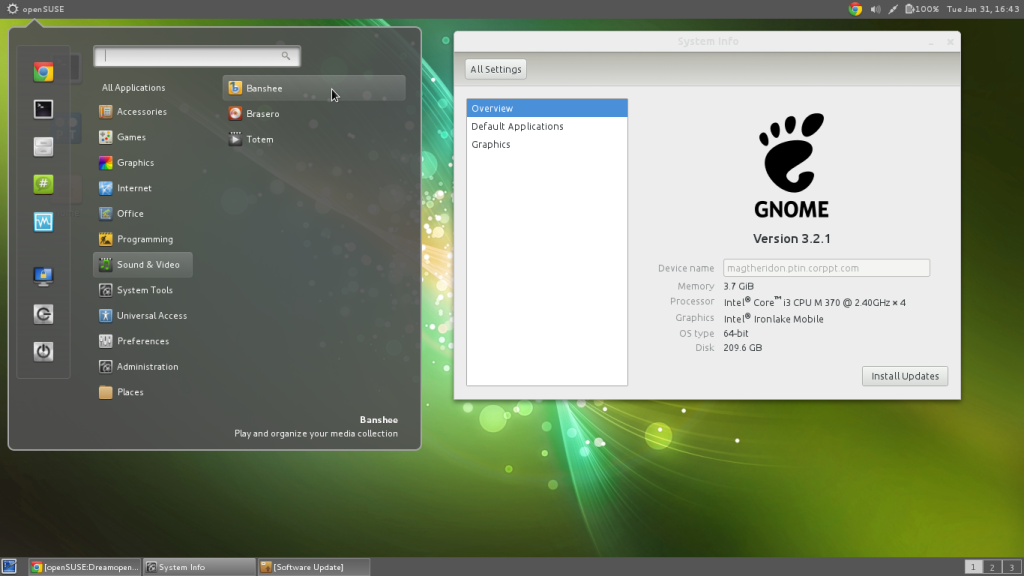
7. openSUSE – The Business Pick
openSUSE comes in two types – Leap for stability and Tumbleweed for newer stuff. Most people want Leap.
Why businesses choose openSUSE:
- Professional management tools
- Easy system setup through graphics
- Works well in offices
- Good security features
- Company support available
YaST in openSUSE’s secret weapon. It’s a control panel that lets you change system settings without typing commands. Makes Linux feel less scary.
Try openSUSE if you use Linux at work or manage computers for others.
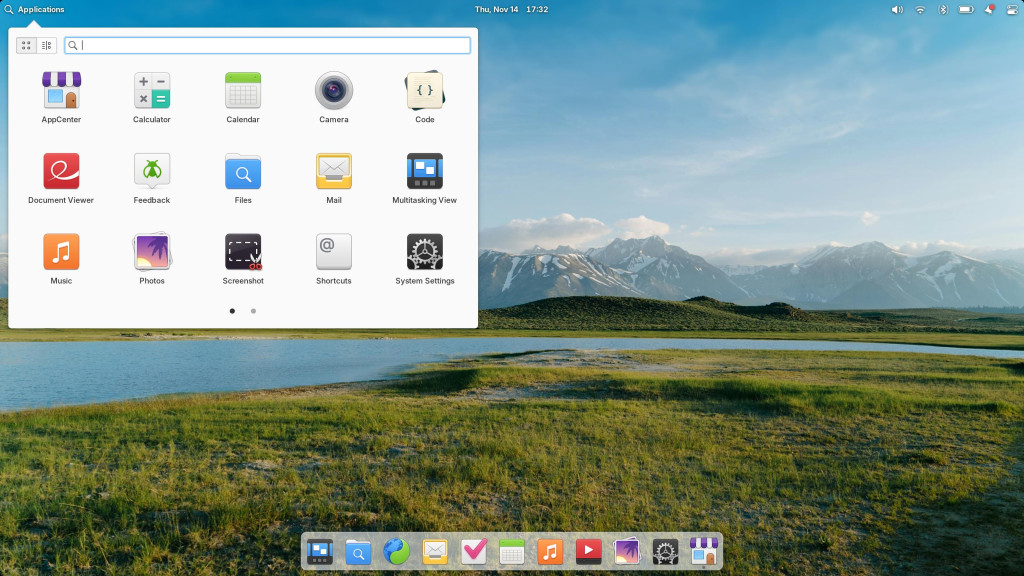
8. Elementary OS – The Pretty One
Elementary OS looks gorgeous. Every icon, animation, and color has been carefully chosen. It feels like using a Mac but costs nothing.
Why design lovers pick Elementary:
- Beautiful interface
- Everything matches perfectly
- Simple and clean
- Privacy focused
- High quality apps only
You won’t find every program ever made. Elementary picks quality over quantity. What’s there works beautifully together.
Try Elementary if you care how your computer looks or switch from Mac.
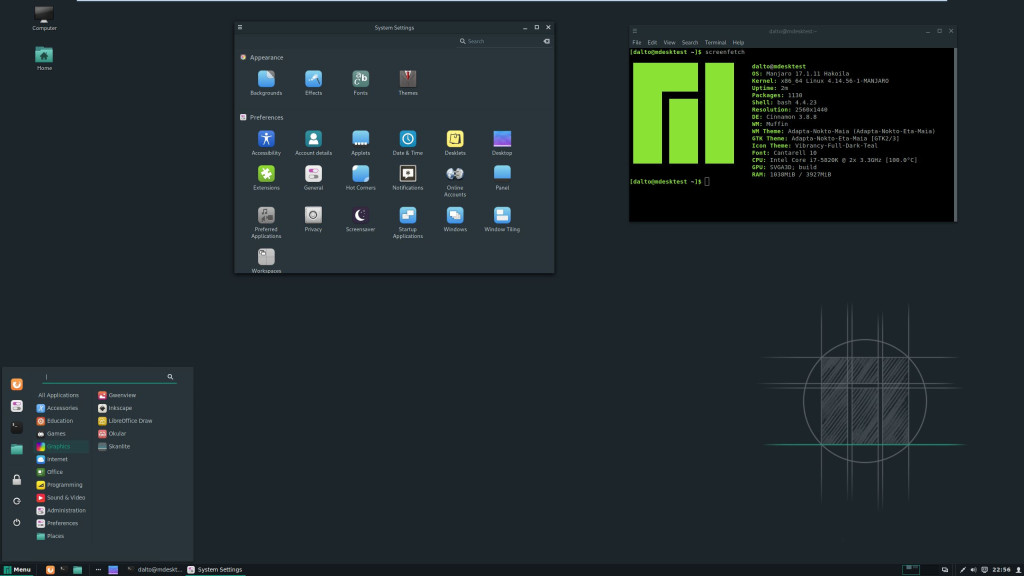
9. Manjaro – Arch Made Friendly
Manjaro takes Arch Linux and makes it human. You get Arch’s power with a normal installer and sensible defaults.
Why Manjaro works:
- Easy graphical installer
- Rolling updates but tested first
- Great hardware support
- Access to tons of software
- Multiple desktop styles
Manjaro tests updates for weeks before releasing them. More stable than pure Arch but still cutting-edge. Best of both worlds.
Try Manjaro if you want newer software but value your sanity.
Getting Started Without Stress
Test drive first. Every Linux distro can run from a USB stick. Try before installing anything permanent.
Backup your stuff. Copy important files somewhere safe before switching operating systems.
Start simple. Don’t try to recreate your exact Windows setup. Learn the Linux way of doing things.
Ask for help. Linux communities are usually friendly. Reddit, forums, Discord – people love helping newcomers.
Give it time. First week feels weird. Second week gets better. By month one, you might not want to go back.
My Real Recommendations
After years of trying different Linux versions, here’s what I actually tell people:
- Complete beginner: Ubuntu. It’s boring, reliable, and has the best support.
- Windows refugee: Mint. Your muscle memory still works.
- Gamer: Pop!_OS. Makes gaming on Linux actually fun.
- Programmer: Ubuntu or Fedora, depending on if you want stable or cutting-edge.
- Experimenter: Manjaro first, maybe Arch later if you catch the bug.
- Business user: openSUSE if your company supports it, Ubuntu otherwise.
The Honest Truth About Linux
Linux isn’t perfect. Sometimes things break. Drivers can be tricky. You might need to use the terminal occasionally. But the freedom is worth it.
No license fees. No forced updates. No company deciding what you can install. Your computer becomes truly yours again.
Most people who try Linux stick with it. Not because they’re computer nerds, but because it just works better for what they actually do.
What About Software?
“But what about my programs?” Good question. Linux has alternatives for almost everything:
- Microsoft Office? LibreOffice works great and opens all your files
- Photoshop? GIMP handles most photo editing needs
- Games? Steam runs thousands of games on Linux now
- Chrome? Same Chrome, runs perfectly on Linux
- Spotify? Yep, same Spotify app
Most web-based stuff works exactly the same. Netflix, YouTube, Gmail – all identical on Linux.
Conclusion
Pick a Linux distro that matches your comfort level. Give it a real try for at least a month. You might discover that free software works better than what you’ve been paying for.
And if you don’t like your choice? Switch to a different one. Your files transfer easily and your Linux knowledge carries over.
The Linux community welcomes newcomers. We remember being confused too. Most of us are happy to help someone new discover what we love about Linux.
Linux gives you control over your computing again. In 2025, that feels pretty good.
So download one of these nine distros and give it a shot. What’s the worst that could happen? You might actually like having a computer that works for you instead of against you.
Welcome to Linux. You’re going to enjoy the freedom.